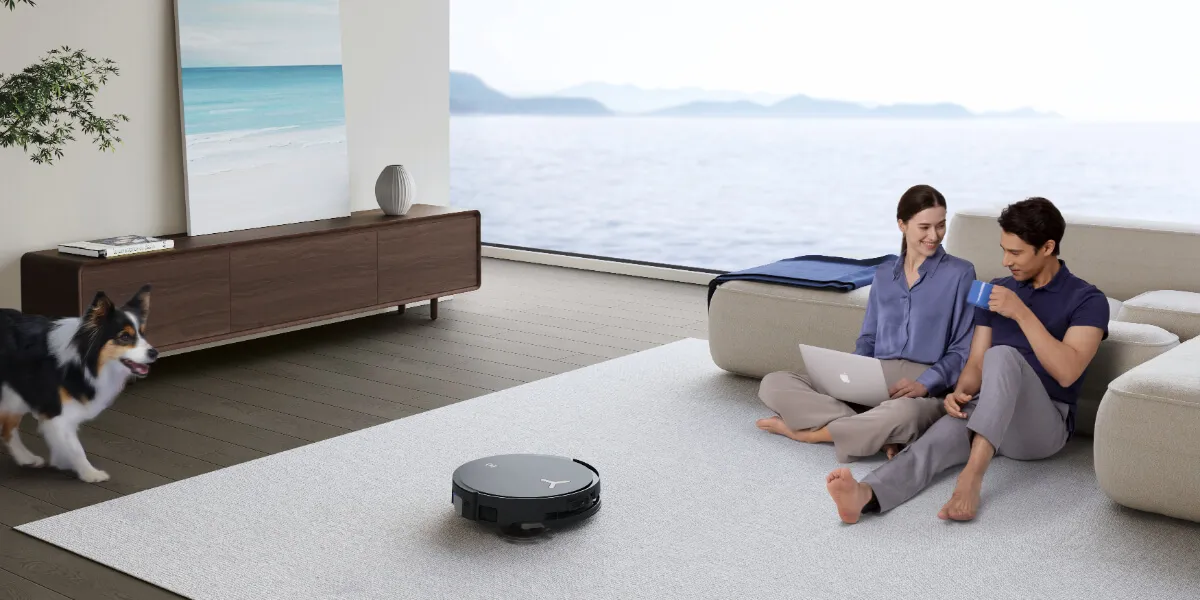

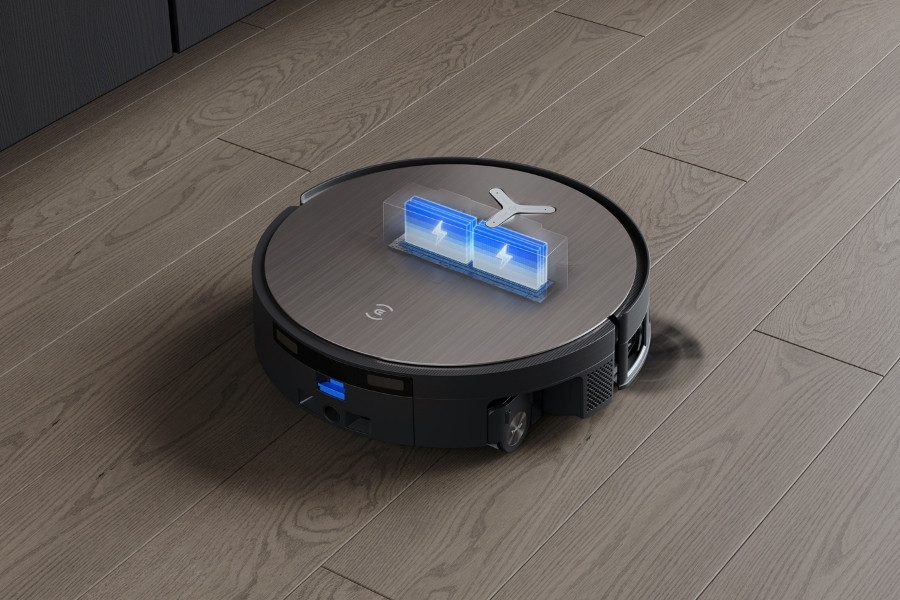
Americans say they clean bedrooms, living rooms, and dining rooms 14 to 17 times per month, according to an ECOVACS survey, so it is easy to see why many people upgrade to robot vacuums to save time and effort.
That said, robot vacuum batteries do not last forever, and cleaning performance can decline quickly as the battery starts to wear out.
This guide explains what most affects robot vacuum battery health, including battery type and how you use the robot. You will also learn how to extend battery life with smarter charging and maintenance, plus the main signs to change a battery.
How Long Does a Robot Vacuum Battery Last
Robot vacuum batteries typically last 2 to 5 years. Per charge, runtime often ranges from 60 to over 250 minutes, depending on suction settings and cleaning modes. For example, vacuum and mop mode on a robot vacuum and mop can shorten the runtime. Battery life varies by product range, and some high end models can clean very large areas on one charge, up to about 5,382 sqft in ideal conditions.
Most lithium batteries handle a limited number of full charge cycles.
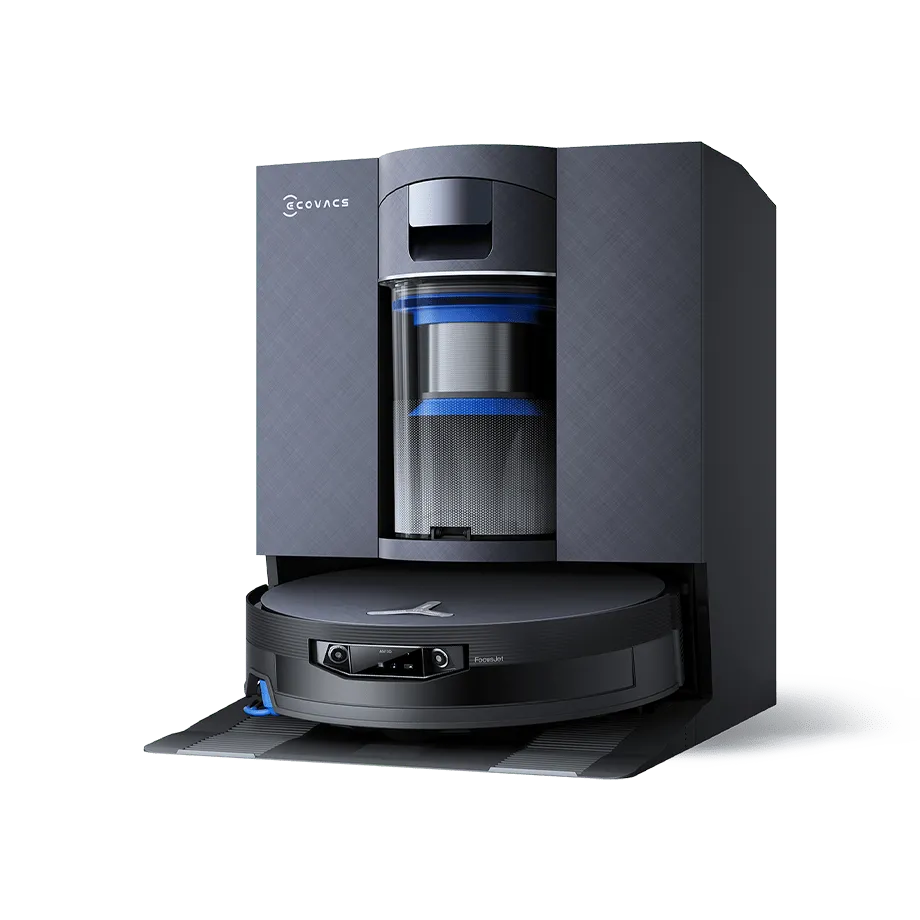
For instance, the DEEBOT X11 family’s instant fast charging function supports around 800 cycles and up to 10 fast charges per day within the 2-year warranty period. Fast charging may gradually slow after two years while still remaining faster than standard charging.
Here is what different cleaning schedules translate to for battery wear.
- Daily cleaning: battery life can reach about 1 to 1.5 years
- 3 to 4 runs per week: battery life can reach 2 to 3 years or more
- Occasional use: batteries may last longer, though gradual aging still occurs
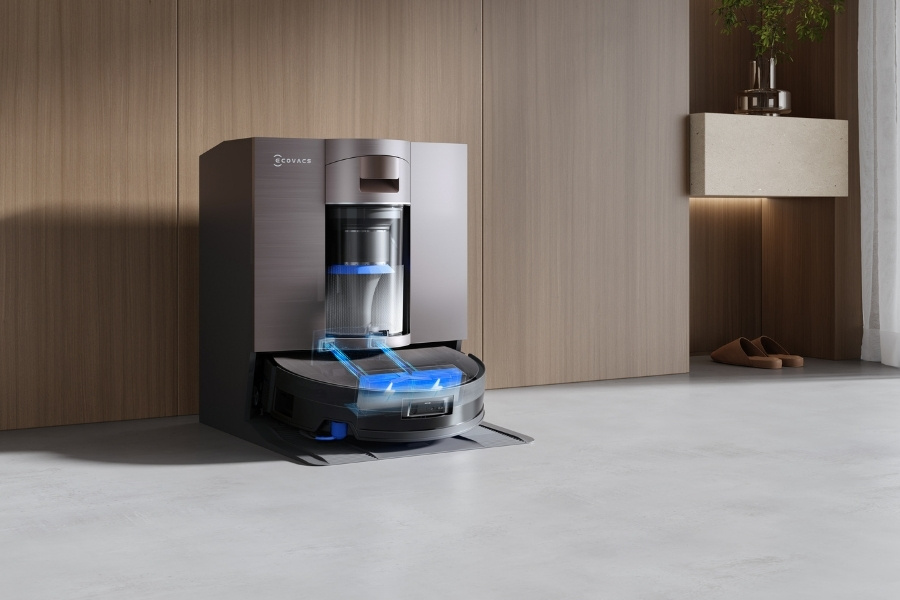
Generally, robot vacuum’s battery lifespan is affected by key factors such as usage habits, maintenance, and storage conditions.
Runtime
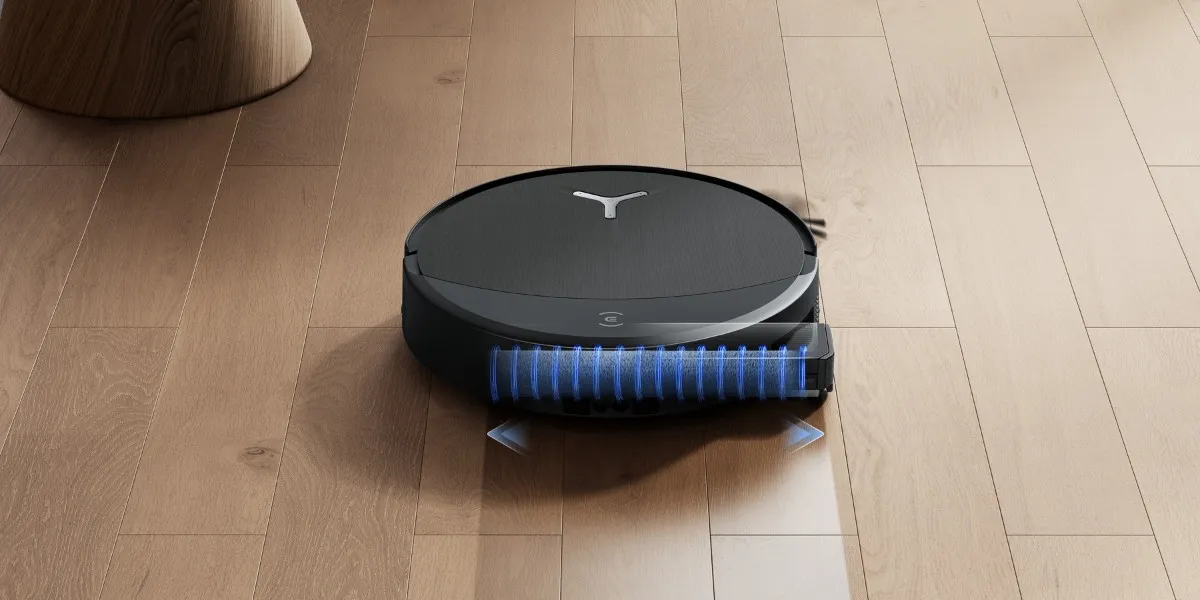
Higher suction, carpet boost, and vacuum and mop modes draw more power per minute, so the robot burns through a charge faster and completes fewer minutes per cycle. For example, using robotic vacuums on carpets draws more power than using robot vacuums on hardwood floors, speeding up battery aging.
Battery type
Lithium-ion batteries usually deliver steadier voltage and tolerate more charge cycles than older battery types.
Battery quality and capacity still vary by model, so two robots can age at different speeds in the real world, even with the same cleaning routine.
Continuous cleaning
Advanced models with continuous cleaning recharge at the station when the battery level is low, then resume cleaning where they left off.
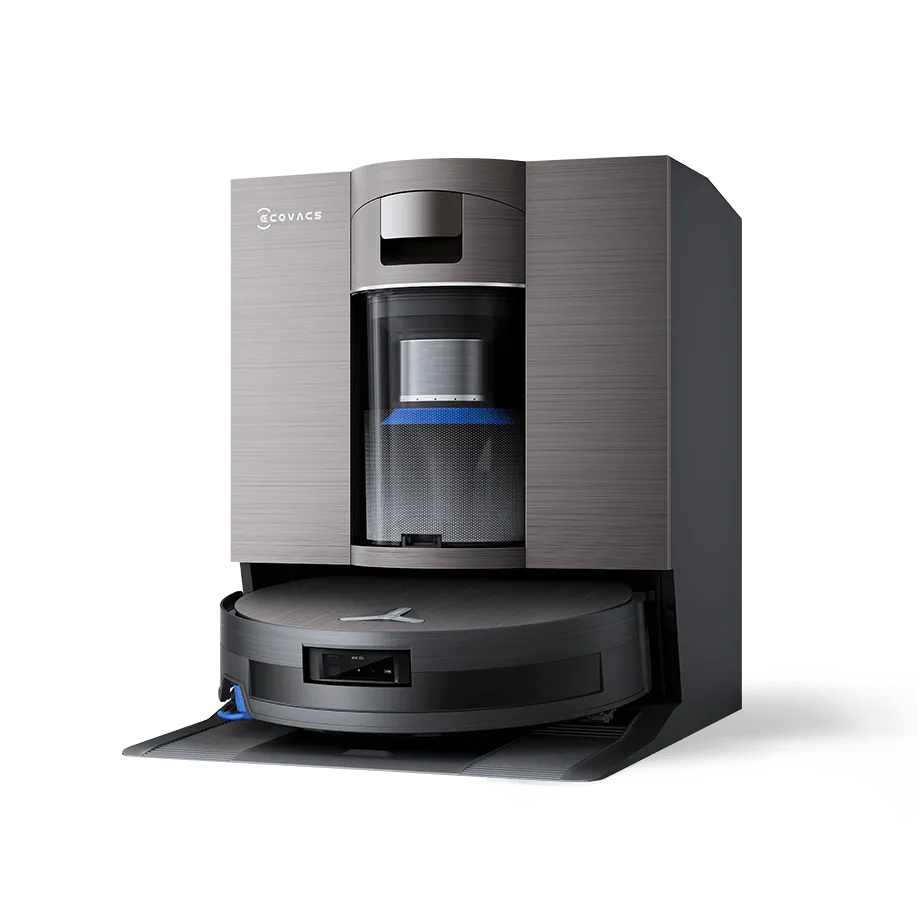
For example, PowerBoost technology in DEEBOT T90 PRO OMNI helps the robot clean longer by adding quick recharge bursts during natural breaks in a run, restoring about 10% battery in around 3 minutes during routine mop cleaning intervals. A self optimizing algorithm also reserves power to complete full space cleaning, supporting near nonstop coverage of up to about 5,382 sqft per task, even at max settings.
Usage patterns
More frequent runs and longer sessions increase the total number of charge cycles and the amount of heat the battery experiences.
For instance, if your auto vacuum schedule runs daily, it can push the battery through its cycle limit faster than a few targeted runs per week.
Cleanliness of the environment
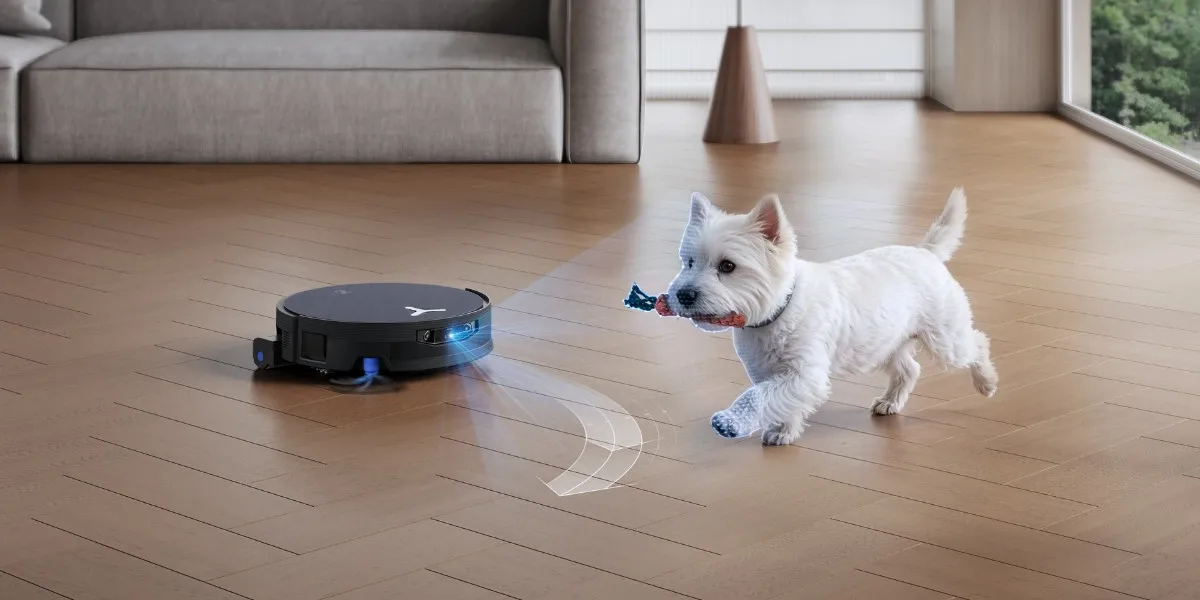
Thick rugs and heavy debris increase resistance. For example, using a smart vacuum to manage pet hair can cause the motor to work harder and pull more energy.
Clutter also slows navigation, which extends cleaning time and raises total energy spent per session, leading to faster battery wear.
Charging habits
Letting the battery run all the way down to almost zero over and over can wear it out faster. Also, if the robot sits for a long time with an empty battery, it can prevent your robot vacuum from charging properly.
Software updates
Inefficient navigation and mapping issues caused by outdated firmware can lead to extra passes, longer routes, and more time spent searching for the dock, which increases energy use per run.
Battery drain bugs can also limit runtime and make the robot recharge more often than it should.
Storage
High temperatures and direct sunlight accelerate chemical aging inside the battery, even when the robot is not cleaning.
Long storage with a very low charge can further constrain the battery’s ability to hold power and may lead to failure to recharge.
Maintenance
Store and dock the robot in a cool, dry place away from hot rooms and direct sunlight. For long breaks, avoid leaving it fully discharged, and charge your robot vacuum cleaner periodically to prevent deep discharge.
How Long Does a Robot Vacuum Battery Last on a Single Charge
Depending on the model and power settings, most robot vacuums run about 60 to 100 minutes per charge, which suits smaller homes, while premium models often last 120 to 250 minutes on a single run, making them better for larger spaces.
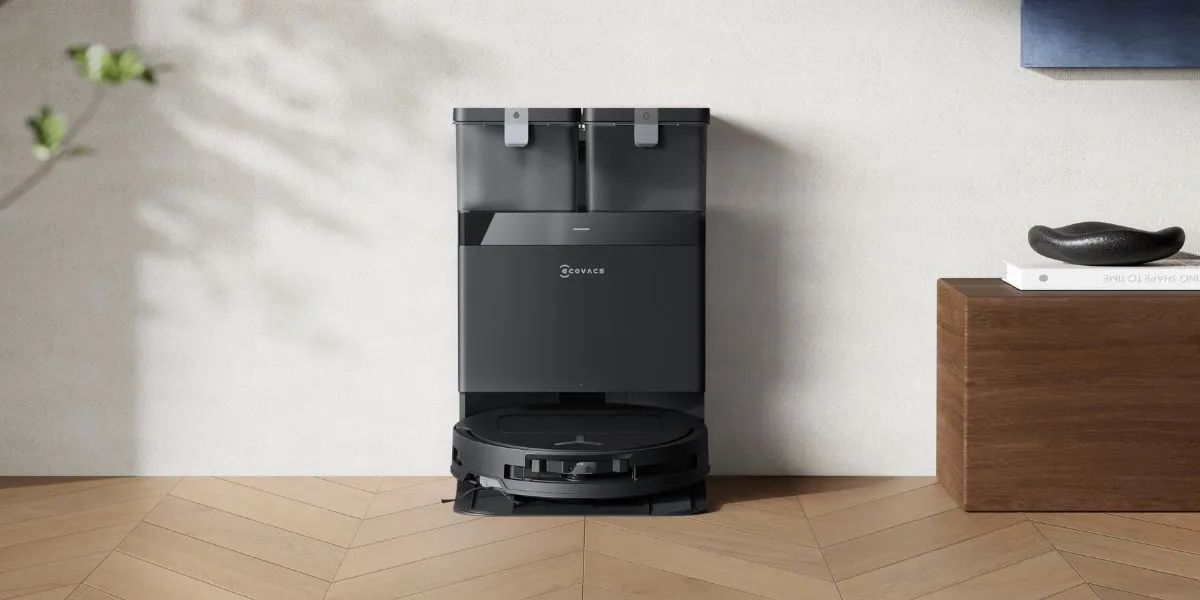
Some models support continuous cleaning with automatic recharge and resume. With PowerBoost Charging technology, DEEBOT models can also use the time spent washing the roller mop and emptying dust at the station to deliver instant fast charging, helping them quickly recover battery power and clean larger homes more efficiently.
Here’s the runtime difference by mode, using DEEBOT X11 OmniCyclone as an example:
|
Model |
Battery type |
Battery capacity |
Function |
Quiet mode |
Standard mode |
|
DEEBOT X11 OmniCyclone |
Li ion |
6400 mAh |
Vacuum |
254 mins |
207 mins |
|
Vacuum and Mop |
PowerBoost Charge ON/ 10 mins/ Deep wash infinitely recyclable1 |
PowerBoost Charge OFF: 206 mins PowerBoost Charge ON: 369mins |
How to Extend Robot Vacuum Cleaner Battery Life
Extending the battery life of your robot vacuum cleaner involves a combination of proper maintenance, smart usage habits, and mindful storage. Here are some practical tips to help you get the most out of your appliance’s battery:
- Smart usage habits: Pick up small items from the floor and clear away cords to improve cleaning efficiency. Schedule cleaning to keep dust at home under control, and use robotic vacuums with no-go zones to block hazardous areas.
- Correct storage: High temperatures can damage the battery. Set up your smart vacuum cleaner in a cool, dry place away from direct sunlight. For long-term storage, fully charge and switch off the robot vacuum before storing it, then recharge it every 1.5 months to prevent the battery from over-discharging.
- Regular maintenance: On a regular basis, perform maintenance on your smart vacuum, including cleaning the brushes, roller mop, and wheels, emptying the dustbin, wiping sensors, and cleaning the filter. Replace worn parts as needed.
- Proper charging practices: Keep the charging contacts on both the robot and the dock clean. Let the robot return to the dock and recharge between runs, and avoid repeatedly running it until the battery is fully drained.
Charge the battery pack using only the charger specified by the manufacturer. Using a different charger may lead to a fire.
When Should You Replace a Robot Vacuum Battery
Robot vacuum batteries usually last 2 to 5 years before replacement, but you should change them sooner when the runtime drops or charging becomes unreliable.
Pay attention to these common signs of a dying battery:
- Reduced runtime: Runs finish sooner than usual, even after a full charge and normal settings.
- Slow charging: Charging takes much longer than before, even on the dock, and status lights stay on while charging.
- Failure to hold a charge: Battery drops quickly after charging, and the robot needs more frequent recharges to complete rooms.
- Decline in suction power: Suction feels weaker, pickup worsens, and the robot takes longer passes to clean floors fully.
Refer to your manual to confirm whether you can replace the battery yourself. Most DEEBOT models contain batteries that are only replaceable by skilled persons. Contact ECOVACS Customer Service for more details.
Check local regulations when disposing of your robotic vacuum cleaner.
FAQ
Should I leave my robot vacuum plugged in all the time?
Yes, you can leave your robot vacuum plugged in at all times. Most modern robot vacuums can manage their battery health by automatically stopping the charge once full, ensuring the battery remains in good condition.
How long does it take to fully charge a robot vacuum?
Most robot vacuum models take about 2 to 6 hours to fully charge, but it varies by model, battery size, and charging method. For the most accurate time, check your user manual or app charging status.
Can you replace a battery in a robot vacuum?
It is recommended to check the user manual to see whether your model allows battery replacement at home. In many cases, the battery is built into the robot and should be replaced by a trained technician, so contact customer support for the safest option. Do not modify or try to repair the robot vacuum or battery yourself, since damaged or incorrect parts can increase the risk of injury and fire.
Disclaimer(s):
- Infinite Endurance: This refers to the DEEBOT X11 series equipped with PowerBoost Charging. In a laboratory environment (with the base station powered on, standard suction + mopping mode, deep mop washing taking approximately 4 minutes, and standard Instant Super Charging mode), the DEEBOT X11 activates PowerBoost Charging after the 5th 10-minute cleaning cycle. After 25 cycles, the battery level stabilizes above 80%. This enables continuous cleaning, where the average power replenished exceeds the average power consumed, eliminating the need for additional charging time at the base station. PowerBoost Charging activates gallium nitride (GaN) boost charging when the robot’s battery drops below 89% during cleaning. It replenishes power each time the robot returns to the base for mop washing: 6% in 3 minutes, 8.6% in 4 minutes, and 10.6% in 5 minutes. All data is sourced from the Ecovacs Central Laboratory. Actual performance may vary depending on real household usage conditions.
Related Products