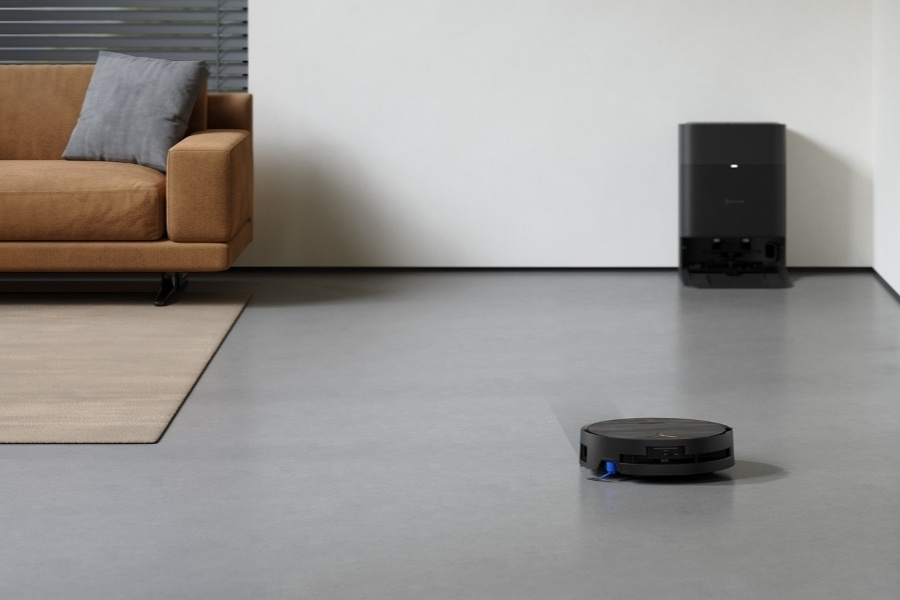
Ever since Wi-Fi was introduced to the public in the early 2000s, it has become a core part of our daily life, connecting everything from smartphones to fridges. This is also what makes smart home devices like robot vacuums so intelligent and hassle-free. With just a few taps on your phone, you can control the machine from anywhere.
But what if your network is down or the signal is too weak for a consistent connection? The good news is, many smart vacuums can still function without a signal. That said, if you want more control and superior performance, models connected to Wi-Fi, like DEEBOT, are the better choice.
Do Robot Vacuums Work Without Wi-Fi?
Yes, you can use a robotic vacuum cleaner without a Wi-Fi connection. Generally, basic functions like start, pause, and stop can be controlled using the physical buttons on the machine. However, advanced features such as remote control, mapping, and setting no-go zones can only be fully activated with a network.
After the initial setup, DEEBOT and other robot vacuums can still run offline using the physical start button, but you’ll lose access to customization options and smart features. Without internet, there’s no app-based control or remote scheduling, though core cleaning functions remain intact. Basic models that rely on “bump and run” navigation normally can operate without Wi-Fi entirely.
Robot Vacuum Features That Work Without Wi-Fi
When the signal is not available during the robot vacuum setup, you can still use the core features that work without internet, including basic cleaning, docking and self-emptying. Standard navigation and collision or cliff detection sensors also run locally in real time, while models with built-in voice assistants can process commands even when offline.
Basic cleaning
Most robots come with physical buttons for basic tasks. For example, the button on the DEEBOT robot vacuums lets you turn the machine on or off, start or pause a cleaning cycle, and reset the device. You can also double-tap to release or retract the roller mop.
Navigation
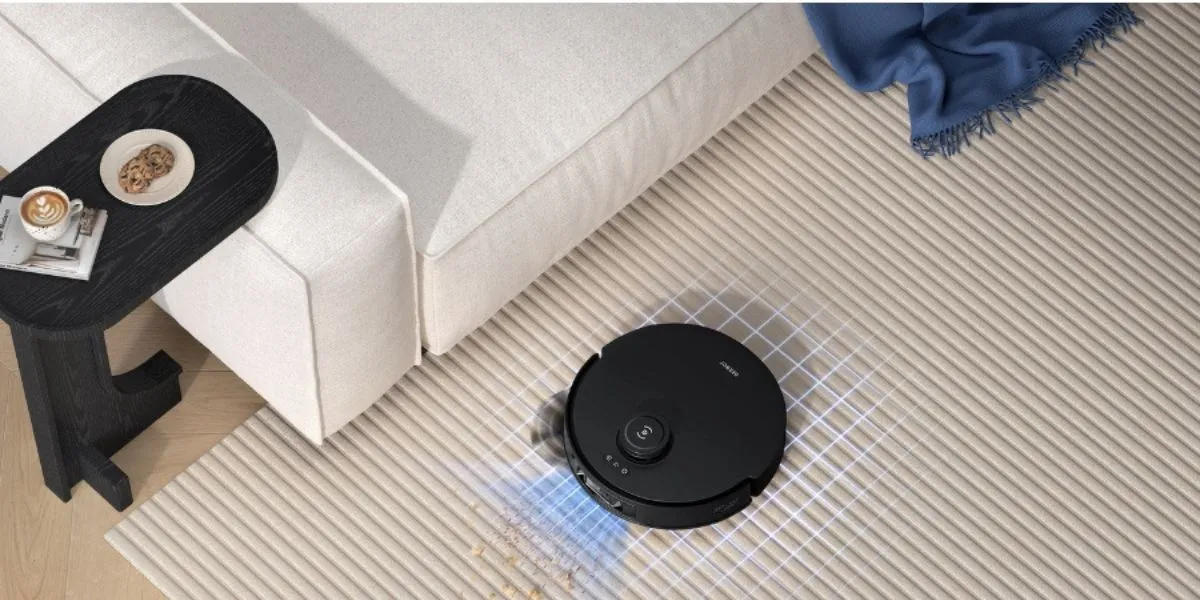
Basic navigation systems using built-in sensors like infrared, LiDAR, and cameras still function offline. Robots with mapping will be able to detect the room layout, including walls and furniture, and navigate around them in real time. However, you will not be able to set no-go zones, name rooms, and modify other options that are only available when accessing the internet.
Docking and self-emptying
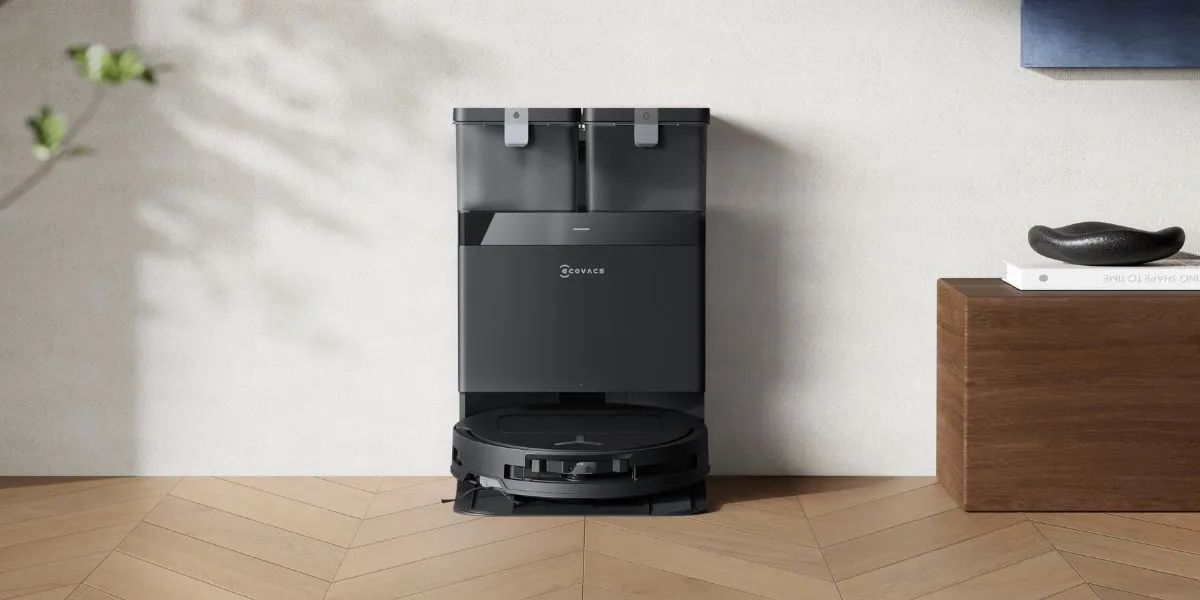
When the battery runs low, smart models will automatically return to their dock, even without internet. DEEBOT users can press the button for 3 seconds to send the device back to the charging dock. If your model has a self-emptying feature, it will still activate even without Wi-Fi.
Voice assistant
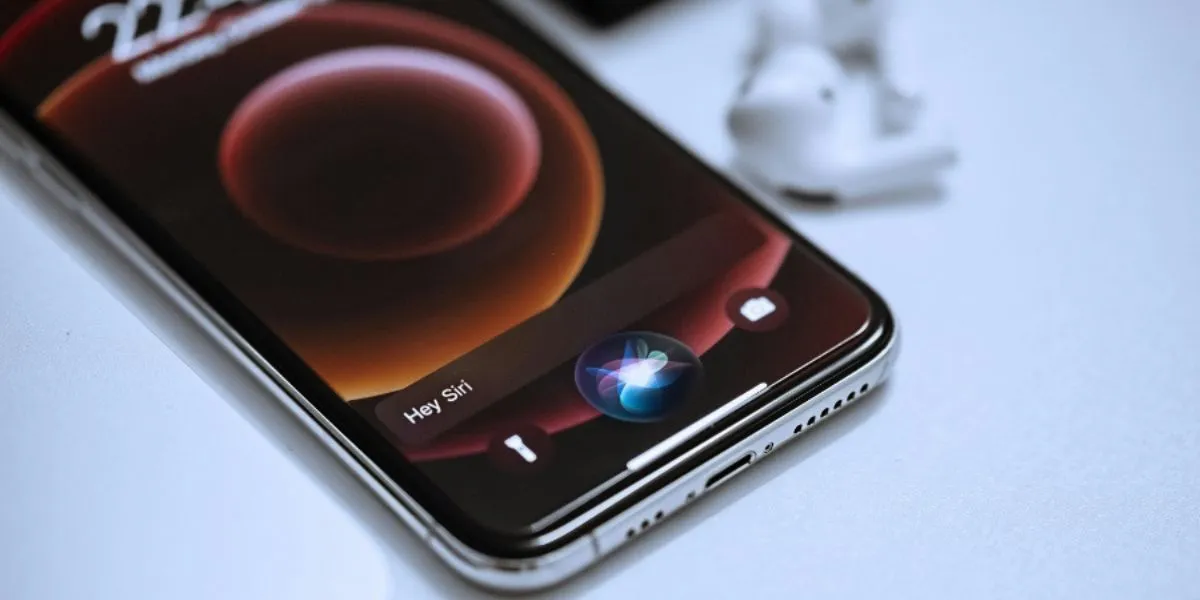
Once you set up the YIKO Voice Assistant in DEEBOT vacuums, you can control the robot directly with your voice. While YIKO can process some commands offline, unlike Alexa or Siri, which require a constant internet connection, most functions still need a network connection.
YIKO supports offline commands such as starting cleaning, starting mapping, returning to the dock or charging, leaving the dock, starting docking station self-cleaning, and turning off Child Lock. As YIKO continues to evolve, refer to this page for the full list of offline functions.
Collision and cliff detection sensors
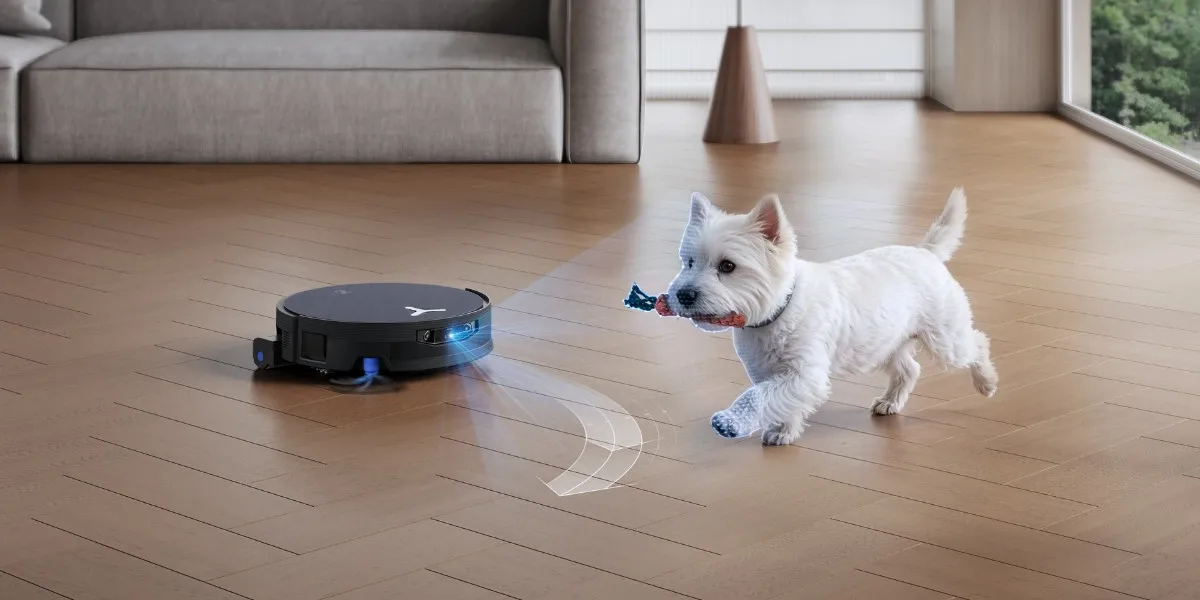
Collision and cliff detection sensors run locally, assisting auto vacuums to avoid obstacles and prevent falls even without Wi-Fi. Using infrared, ultrasonic, or bump sensors, they detect objects and elevation changes in real time, adjusting the cleaning path instantly while operating entirely through local processing.
What Robot Vacuums Only Do When Connected to Wi-Fi?
Once paired to the Wi-Fi, you will be able to unlock the full range of smart capabilities on your robot vacuum, such as intelligent mapping for precise navigation, scheduling through the app, customizing settings like suction power and no-go zones, receiving real-time alerts, and integrating with other smart home systems for automated cleaning routines.
Mapping
Wi-Fi activates the intelligent mapping in your device. Once DEEBOT maps out your home, for example, you can review the floor plans and start customizing them in the ECOVACS HOME app. With efficient path planning, the device navigates along the most logical cleaning path and avoids inefficient acceleration or deceleration.
Scheduling
The ability to set how often you’d like to run your smart vacuum via the app depends on the network. Without a connection, you must manually start the vacuum each time.
Customization
Personalization can be done for models with a companion app, like the ECOVACS HOME app. Whether you need to adjust suction power or water levels to cater to various surfaces, these features are only available with Wi-Fi.
Remote control and alerts
Models like DEEBOT track the status of different parts and send alerts to the app when the dustbin is full or the filter needs to be cleaned. An internet connection allows you to receive such notifications directly on your smartphone.
Smart home integration
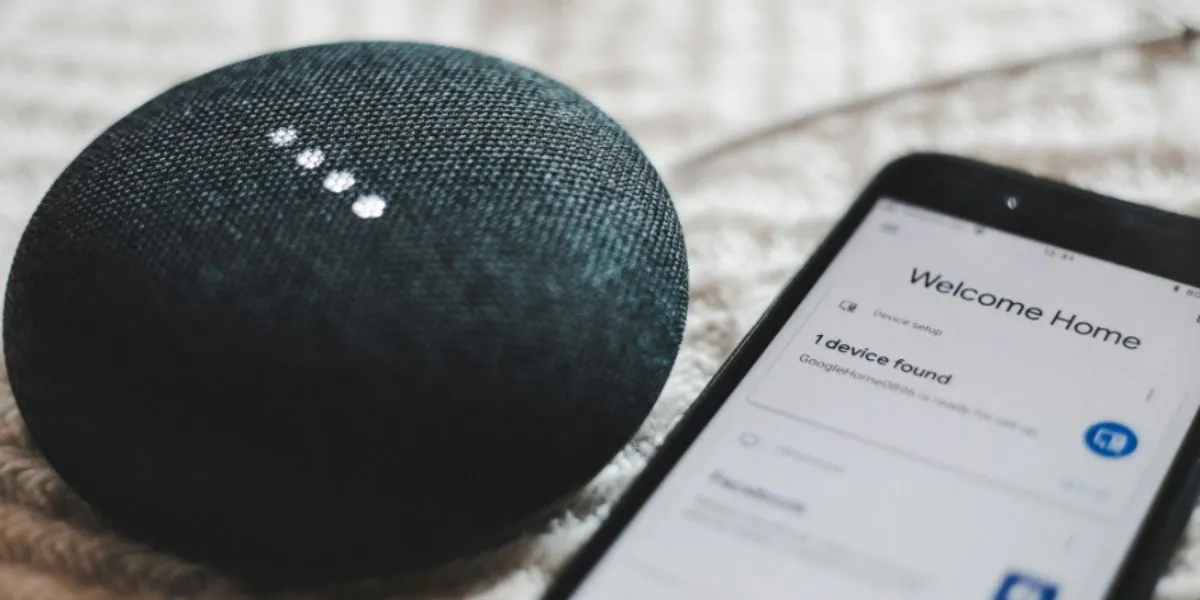
Wi-Fi makes it possible to connect your vacuum with Home Assistant, as well as other smart home systems like Alexa, Google Home, and Siri. For example, you can start cleaning when you leave the house or stop when your smart door opens.
Robot Vacuum With or Without Wi-Fi: Pros and Cons
While robotic vacuums can perform basic cleaning tasks without Wi-Fi, you can only enjoy their full features when they are paired with the internet, similar to other domestic robots.
Without it, you need to spend more time and effort to start or stop a session, features that make these robots feel truly automatic. Auto vacuums with wireless networks provide a smarter and more efficient cleaning experience.
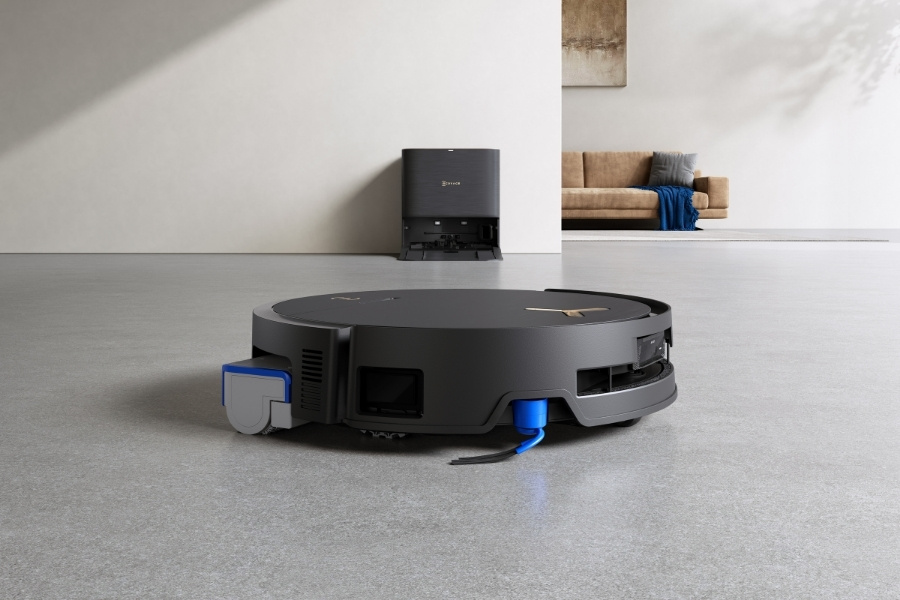
Performance: Without Wi-Fi vs. With Wi-Fi?
When the robot is connected to Wi-Fi signals, you can use AI-powered features to improve navigation and cleaning accuracy. On top of building maps, setting virtual barriers, and keeping track of where they have cleaned, sophisticated functions like AIVI 3D 3.0 Omni-Approach Technology can precisely detect and avoid obstacles in real time. Offline models tend to miss spots or clean randomly.
Convenience: Without Wi-Fi vs. With Wi-Fi?
Most customization options can only be set on the app, which cannot be activated without Wi-Fi. For instance, you can schedule cleanings, send your DEEBOT vacuum to clean a certain spot, and set a good suction power from your phone through the ECOVACS HOME app. When using it offline, you will need to press buttons manually, which can feel less convenient.
Time and Effort: Without Wi-Fi vs. With Wi-Fi?
Without a signal, you need to press buttons on the device to start, pause, or stop a cleaning session. Meanwhile, with a network, you can schedule or control cleaning remotely through the app. When it comes to maintenance, offline use requires manual checks on the dustbin and filters, whereas online use allows the vacuum to send app notifications when service is needed.
Value for Money: Without Wi-Fi vs. With Wi-Fi?
Smart vacuums with signals let you take advantage of all their features and automation, giving you better value. Without connection, you are only using the vacuum at its most basic level and missing out on its smart capabilities.
Energy Consumption: Without Wi-Fi vs. With Wi-Fi?
Thanks to intelligent path planning, smart vacuums like DEEBOT can follow the most efficient route and adjust power levels automatically based on surface type, such as increasing suction on carpets and lowering it when back on hard floors. This helps save energy and extend battery life. Yet, this feature does not work offline.
Risk of Damages: Without Wi-Fi vs. With Wi-Fi?
As the machine moves around your home, it may encounter risks like falling down stairs, broken glass, or pet waste. Wi-Fi models allow you to set virtual boundaries and no-go zones, reducing the risk of collisions or getting stuck. Offline models are less precise and more likely to bump into fragile objects.
FAQ
Why can't I connect my robot vacuum to Wi-Fi?
If your robot vacuum fails to connect to Wi-Fi, first check the bandwidth to make sure your network is on 2.4GHz, not 5GHz. Then confirm that the vacuum is within range and the router is functioning properly. Restart the device and try reconnecting. Read this guide if you want to know more about how to connect your robot vacuum to Wi-Fi properly.
Do robot vacuums work with Matter?
Yes, newer models like the DEEBOT X9 PRO OMNI are compatible with Matter, a smart home standard that improves cross-platform control. To confirm, check your manual or the brand’s latest compatibility updates.
Is it safe to connect a robot vacuum to Wi-Fi?
Yes, reputable brands like ECOVACS ensure all data transferred from smart home devices is safely encrypted and securely stored on ECOVACS servers, including that from DEEBOT robots. The ECOVACS HOME app was the world’s first smart vacuum platform to receive the TÜV Rheinland Privacy and Safety certificate. For added security, update the firmware regularly and connect it to a secure network.
Related Products