Maintaining a well-groomed yard can be time-consuming. By automating lawn mowing, robot lawn mowers save you hours of trimming, cutting, or mulching under the sun while keeping the turf healthy and providing a neat, even finish every time.
To ensure top performance, you need to get it right from the start. Proper robot lawn mower installation includes assembling the device, connecting it to power and the internet, setting the map, and preparing your garden for mowing. Once set up, you can sit back and relax while the device keeps your grass looking its best.
How Do You Install a Robot Lawn Mower?
The process of robot mower installation typically involves preparing the app, connecting to the internet, assembling the charging station, charging the mower, mapping, and setting preferences such as cutting height and schedule.
If your model comes with a boundary wire, make sure to lay it and set the boundaries. Always follow the manufacturer’s instructions for your specific model.
Prepare the app
Most smart lawn mowers come with an app for scheduling, customisation and remote control. Install the app first and make sure your smartphone is connected to a secure Wi-Fi network and that your router’s 2.4GHz band is enabled. Follow the instructions to register and log in.
For GOAT robot mowers users, download the ECOVACS HOME App from the App Store or Google Play before starting.
Connect via Bluetooth
Next, you can connect your mowing robot to the app using either Bluetooth or Wi-Fi. For a Bluetooth connection, turn on Bluetooth on your phone, open the app, and select it manually. After pairing, you can proceed with setup without Wi-Fi; however, Wi-Fi is mainly necessary for operation.
GOAT mowers provide a QR code on the body for you to scan and connect right away; keep the distance within 32.8 feet for the best connection.
Connect via Wi-Fi
To connect your mower and app via Wi-Fi, ensure they are on the same router and 2.4GHz network. Follow the app prompts to complete the connection, and the Wi-Fi icon will light up once connected.
The GOAT O800 RTK further offers an optional module for connectivity if Wi-Fi is unavailable.
Assemble the station
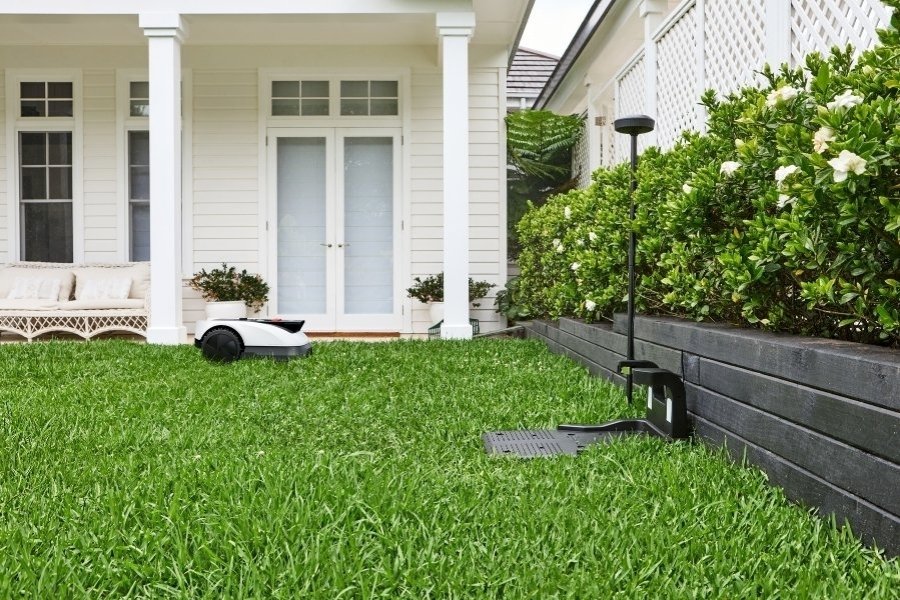
Secure the charging station on flat turf with no slope, in a location with a strong, stable Wi-Fi signal and access to a power source.
Make sure to leave enough room and keep the surrounding grass trimmed to under 10 cm for docking. For example, the GOAT O800 RTK requires at least 40 cm of clearance on each side and 2 m in front.
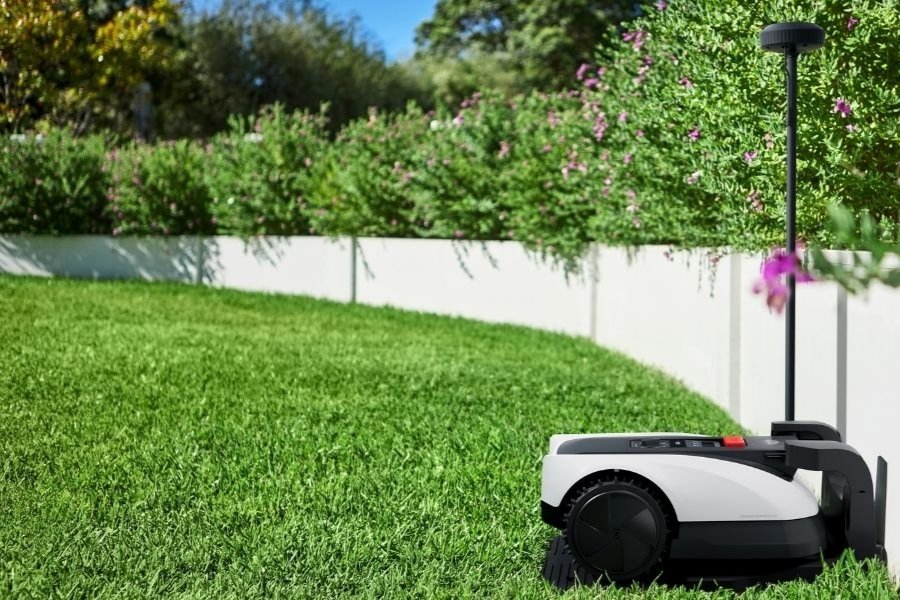
This model also features an RTK reference station, which should be installed vertically and positioned at least 2 m from buildings and trees to achieve optimal signal performance.
Charging the robot mower
Before first use, fully charge the robot. For the GOAT O800 RTK, the 4,000 mAh battery takes around 45 minutes to charge. Place it in the station and wait until the white indicator light is steady or flashing to confirm charging.
Mapping
After setting up the station and robot, create the map using the app. Some models require manual guidance instead of automatic mapping, meaning you’ll need to control the mower’s movement around the perimeter. Follow the device until it completes the full loop.
GOAT users can choose automatic or manual mapping for areas with drop-offs or narrow paths. Pick a starting point from the station or along the edge of your yard, then start mapping and follow the mower within 6m.
Set no-go zones
To keep your mower working safely in your large lawn, mark no-go zones for features like flowerbeds or trampolines in the app. Keeping the device at least 25 cm away from hazardous areas such as ponds or cliffs. You can also create new mowing areas by remotely sending the machine to the desired location.
Create a Path
Sometimes, outdoor areas may be located in separate locations, such as a front yard and a backyard. The GOAT robot mower can automatically plan a route to link the mowing path between these areas or connect the lawn edge to the charging station.
Set a Schedule
Use the app to programme a mowing schedule. To decide how often to mow the lawn, as well as the best time to cut grass, adjust the timing based on factors such as the season, grass type, and weather.
If you notice a significant difference in plant growth in shaded spots, the user-friendly ECOVACS HOME App lets you set up to two separate schedules.
Set Cutting Height
Robot lawn mowers are designed for maintaining domestic yards, and cutting grass no longer than 10 cm. If your grass is longer, trim it manually before using your robot mower.
For GOAT O800 RTK, you can choose a cutting height between 3 cm and 8 cm, in the ECOVACS HOME App, in 0.5 cm increments.
How to Prepare the Lawn for Mowing?
Before you begin your first mow, prepare your garden by removing large obstacles like toy cars and tents, and lay the boundary wire if your mower requires it. Ensure hazards such as pits and pools are properly blocked, and check the slope climbing ability. On rainy days, wait until the grass is dry before starting the trim.
Remove debris
Choose a robot mower that can fully cover your garden and remove any obstacles such as garden tools, toys, or sharp stones that can block the path, damage its blades, or cause navigation errors. Wires can also tangle in the wheels and hinder movement.
Grass Height
Robot mowers are designed to frequently trim grass for a uniform, polished look. If your turf has been neglected and weeds have grown tall enough to block the path, cut them down with a manual mower to under 10 cm, allowing the machine to run smoothly and avoid strain.
Check for hazardous spots
While smart models like the GOAT O800 RTK can handle uneven ground with a 3cm barrier-crossing ability, deep pits, exposed roots, or large depressions can cause it to get stuck, tip over, or sustain damage. Identify and fill in such areas before mowing, or just block the machine from entering.
Check the incline or block it off
Not all robot mowers are as powerful as the GOAT O800 RTK, which can climb slopes of up to 24°. Check if your device can handle steep inclines in your landscape; otherwise, block off those areas with physical barriers or mark them as no-entry zones in the app.
Let the grass dry
It is best to skip mowing when the grass is wet, as it can lead to clumping, uneven trimming, and a higher risk of turf disease. Wait until it is dry before starting the cut. To withstand unpredictable weather, the GOAT’s IPX6 waterproofing and designated rain sensor will automatically pause the session during rain. By default, it resumes mowing 3 hours after the rain sensor detects the rain has stopped, achieving better results.
Keep children and pets away
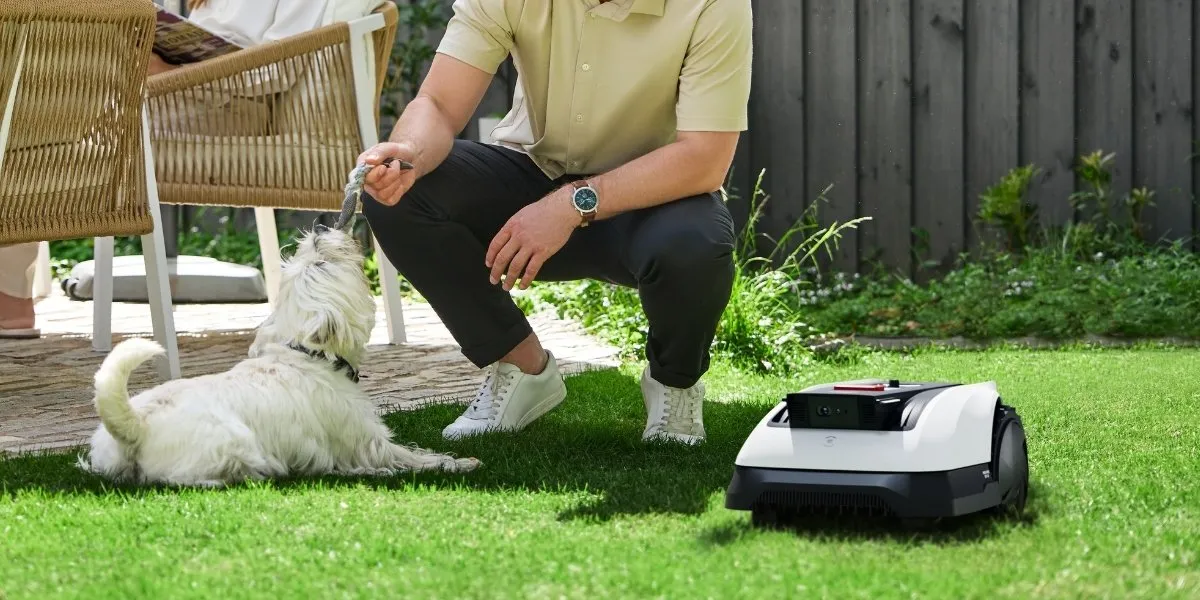
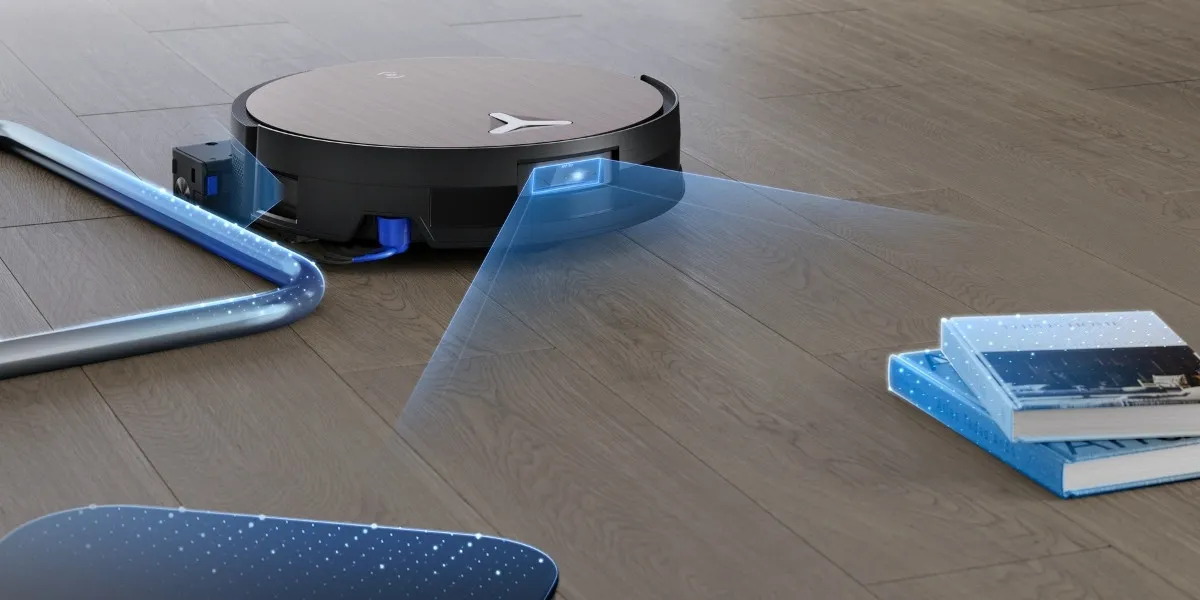
Even though GOAT models are equipped with advanced technologies like AIVI 3D Obstacle Avoidance, with AI Vision and 3D-ToF LiDAR capable of identifying over 200 types of obstacles and quickly responding to reroute around them, it is still safest to keep children and pets off the lawn during mowing to avoid accidents and interruptions.
FAQ
Where do robot mowers put the grass?
Robot lawn mowers do not collect grass. Instead, their blades finely chop the clippings into tiny pieces, which are then evenly distributed back onto the turf to act as a natural fertiliser.
Do robotic lawn mowers get stolen?
Most robotic mowers come with built-in anti-theft features such as GPS tracking, alarms, and PIN code protection, which help deter theft and allow tracking of stolen units.
What is the lifespan of a robot lawn mower?
A quality robot lawn mower can normally last between 5 and 10 years, depending on the usage, weather conditions, storage practices, and regular servicing of parts like blades and batteries.