Vacuum overheating is more common than you think, even in high-tech robot vacuum models. When airflow is blocked by dirt and debris, the motor works overtime and builds up heat until it suddenly shuts down to protect itself.
In most situations, a few quick checks can identify and fix the issue. Start by learning the potential reasons why robot vacuums get hot, how to fix overheating step by step, and how to prevent it from happening again.
Why Does a Vacuum Overheat?
A robot vacuum overheats when airflow is restricted, for example, when the filters, hoses or brush rolls are clogged, forcing the motor to work harder. In other cases, a worn belt or internal electrical fault can also be to blame. The first step is to let the vacuum cool completely, then check all components to find out the root cause.
Clogged filters
Filters trap dust, pollen, and pet dander, improving air quality for those with allergies. But when they become clogged, they restrict airflow and strain the motor. In humid regions like parts of Scotland or Wales, filters may clog even faster due to moisture in the air.
Full dustbin or dust bag
A full dustbin or overfilled bag leaves little room for air to circulate properly through the smart vacuum, causing heat to circulate inside the machine. If this is ignored, the motor has to work extra hard to avoid losing suction force.
Blocked hose or inlet
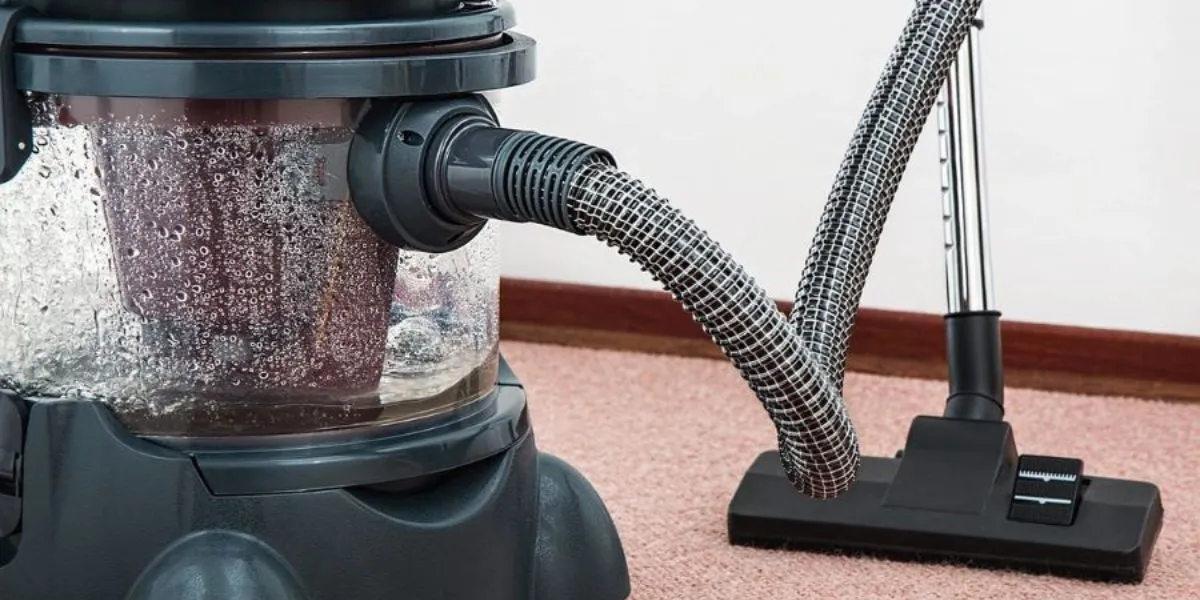
When removing pet hair or small items like food crumbs, they can get stuck in the hose, which forces the motor to work against resistance. As airflow decreases, heat has nowhere to escape, increasing the risk of overheating.
Tangled Brush Roll
Those living with long-haired pets or high-pile rugs understand how annoying it is when the beater bar gets tangled with hair or carpet fibres. As it no longer spins freely and creates friction and resistance, the heat can be transferred to the motor. If you don’t remove the hair from the roller in time, the strain can quickly lead to overheating.
Worn Belt
A belt drives the brushes in a smart vacuum, and one that is worn, stretched, or slipping can cause the motor to work harder than intended. This inefficiency generates additional friction and heat, gradually wearing down both the belt and the motor. To avoid this issue, higher-end models like DEEBOT feature a beltless design, with the premium series using a brushless motor and direct gear-driven power transmission.
Motor Problems
Sometimes overheating isn’t caused by a blockage at all but by the motor itself. Worn bearings, faulty wiring, or internal electrical faults can produce excess heat during cleaning. This usually comes with a burning smell or visible smoke.
Overuse and Poor Ventilation
Running a smart vacuum continuously for too long can cause its motor to heat beyond safe levels, and poor airflow in the docking area makes the issue worse. This problem is more common in older models that lack effective cooling vents, particularly during the summer.
How to Fix a Vacuum That Overheats?
If your robot vacuum is overheating, start by unplugging it and letting it cool down first. Once cooled, inspect and clean it thoroughly by emptying the bin, clearing blockages, and cleaning or replacing filters. After that, test the device briefly. If it overheats again, the issue may be with the motor and will need professional repair.
Step 1: Unplug and Let It Cool
Always unplug your robot vacuum before doing anything else. Let it cool for 30 to 60 minutes in a well-ventilated area, away from direct sunlight. Do not restart the machine until you’ve inspected it thoroughly.
Step 2: Empty the Bin or Replace the Bag
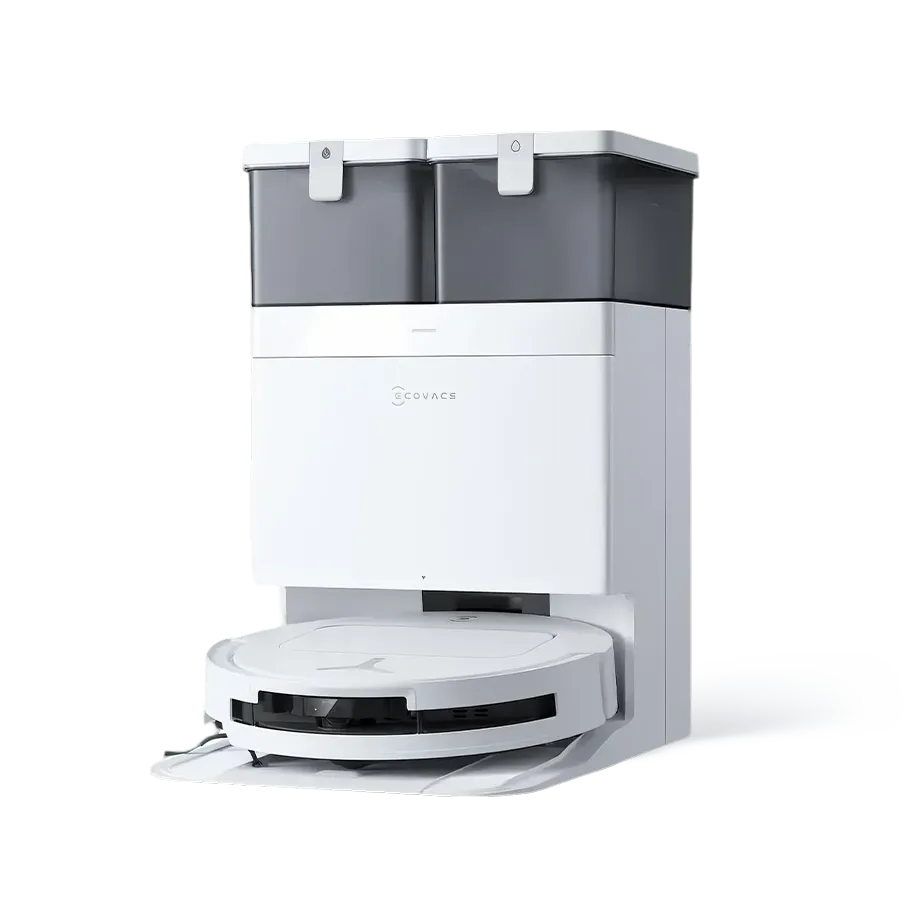
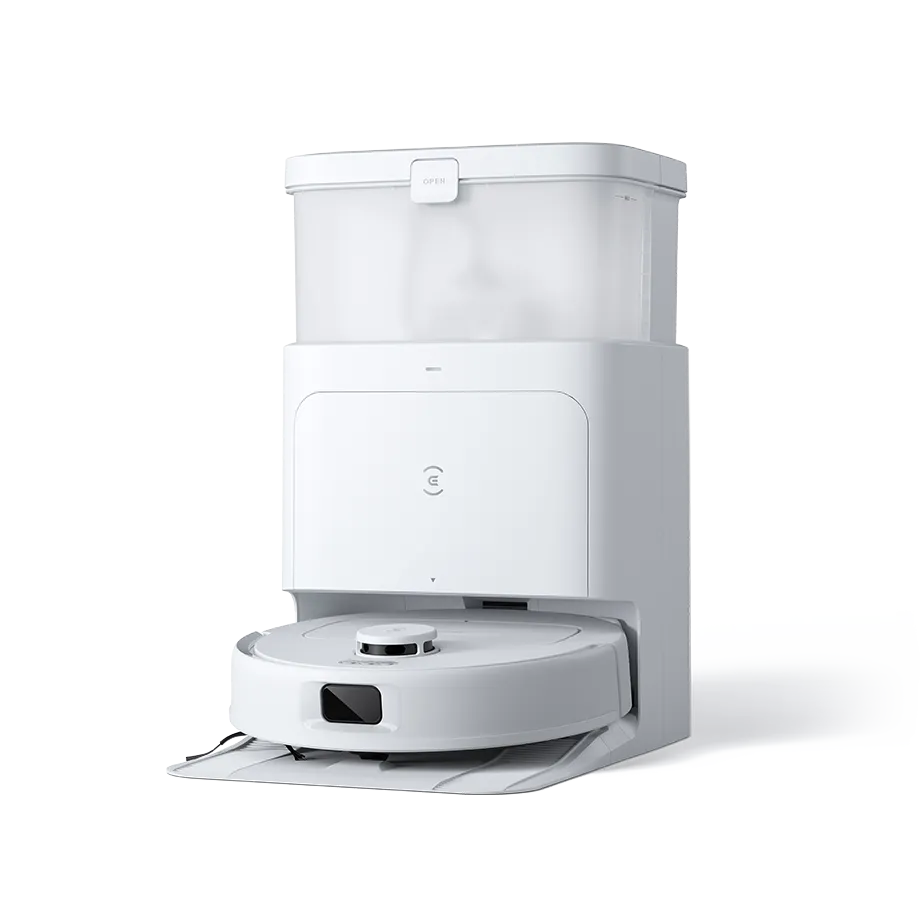
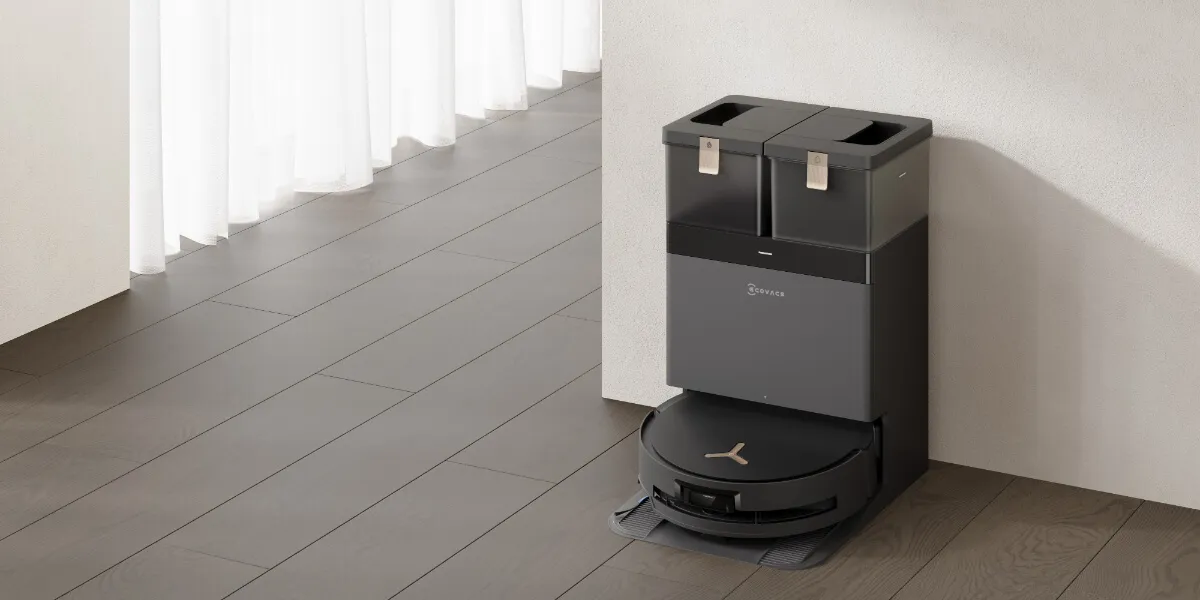
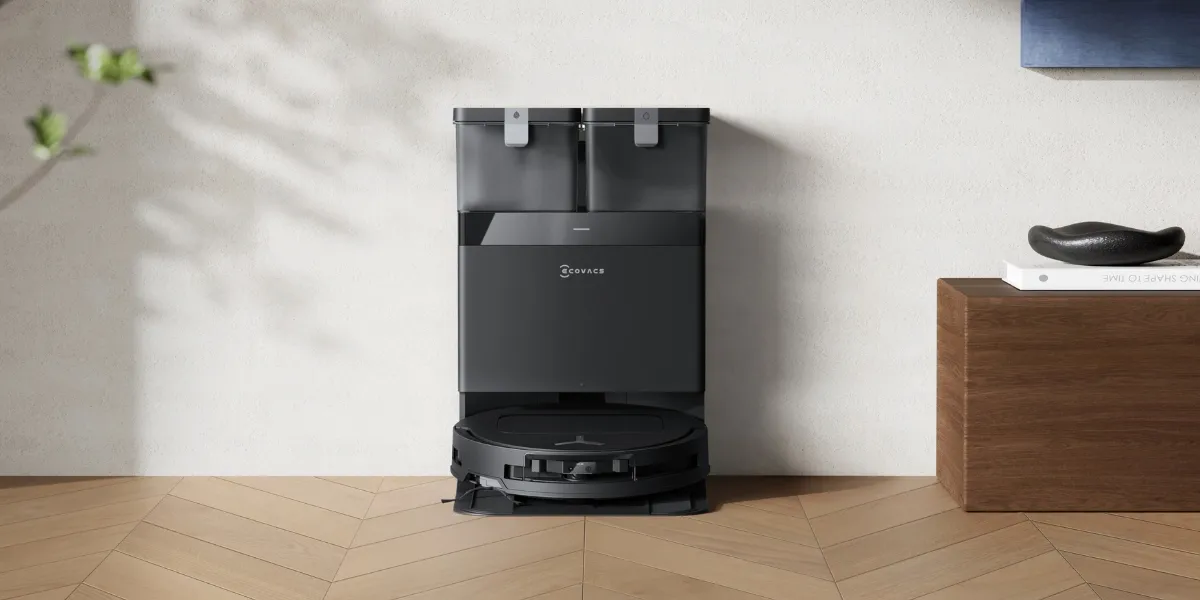
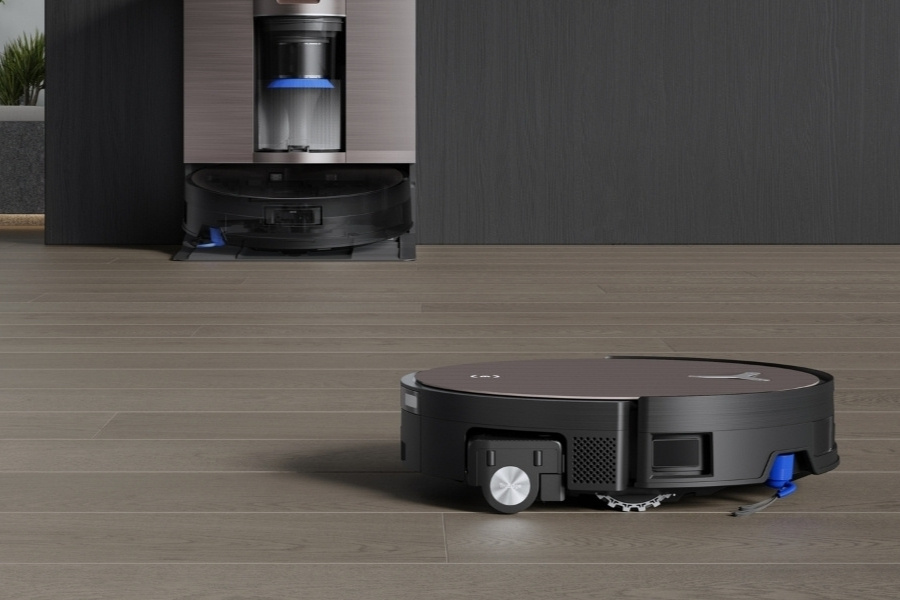
Once the smart device has cooled, empty the dustbin if it’s a bagless model, or replace the bag if it uses one. Airflow should immediately improve once the container is cleared. For auto-empty robot vacuums like DEEBOT, the dock automatically transfers debris from the bin to a larger container after each cleaning cycle.
Step 3: Clean or Replace Filters
Clogged filters are a regular cause of overheating. To clean the filters, take them out and gently tap off loose dirt, or wash reusable ones following the manufacturer’s manual. Change filters when they show signs of wear, while DEEBOT users can rely on reminders via the ECOVACS HOME app. Make sure to clean the sensors for accurate alerts.
Step 4: Check for Blockages
Next, inspect the hose, brush roll, and all air pathways for blockages. Use a flashlight or a non-metal tool to gently dislodge any trapped items, or use a compressor to blow air from one end of a hose and force the clog out the other. Plus, carefully cut out tangled hair or threads on the brushes.
Step 5: Test and Observe
After cleaning the robot vacuum cleaner, plug it into power and run it briefly to confirm proper airflow. If you notice the same issue, stop immediately, as this suggests a deeper mechanical or electrical issue that needs inspection from a professional.
Step 6: Seek Professional Help
If the smart vacuum keeps overheating despite cleaning and cooling, it may indicate a failing motor or internal electrical fault. Stop using it to avoid safety risks and contact a certified technician. Premium models like DEEBOT robot vacuums feature built-in safety mechanisms that automatically shut down the machine when abnormal temperatures are detected.
Is It Normal for a Vacuum to Get Hot?
Yes, it’s completely normal for a robot vacuum to feel warm after use. The heat mainly comes from the motor, which generates power to support suction, movement, and smart features. Mild warmth around the exhaust or motor area is a natural result.
However, overheating is a different story. Major warning signs include an automatic shutdown, a bad odour, or extreme heat on the casing. When these occur, it may indicate clogged filters or a full dustbin restricting airflow.
If your vacuum becomes hot quickly or shuts off repeatedly, it’s likely due to a mechanical issue that requires professional care. Ignoring the problem can also drastically shorten the battery’s lifespan.
When to Stop Using an Overheating Vacuum?
You should stop using your robot vacuum immediately if you notice burning smells, smoke, melted plastic, or loud grinding noises coming from the machine. Other signs of electrical or mechanical failure include loss of suction power, fluctuating vacuum levels, excessive vibration, and deteriorating performance. Continuing to use the vacuum can lead to permanent damage.
If consistent maintenance doesn’t resolve the issue, contact a professional for repair or consider replacing the unit.
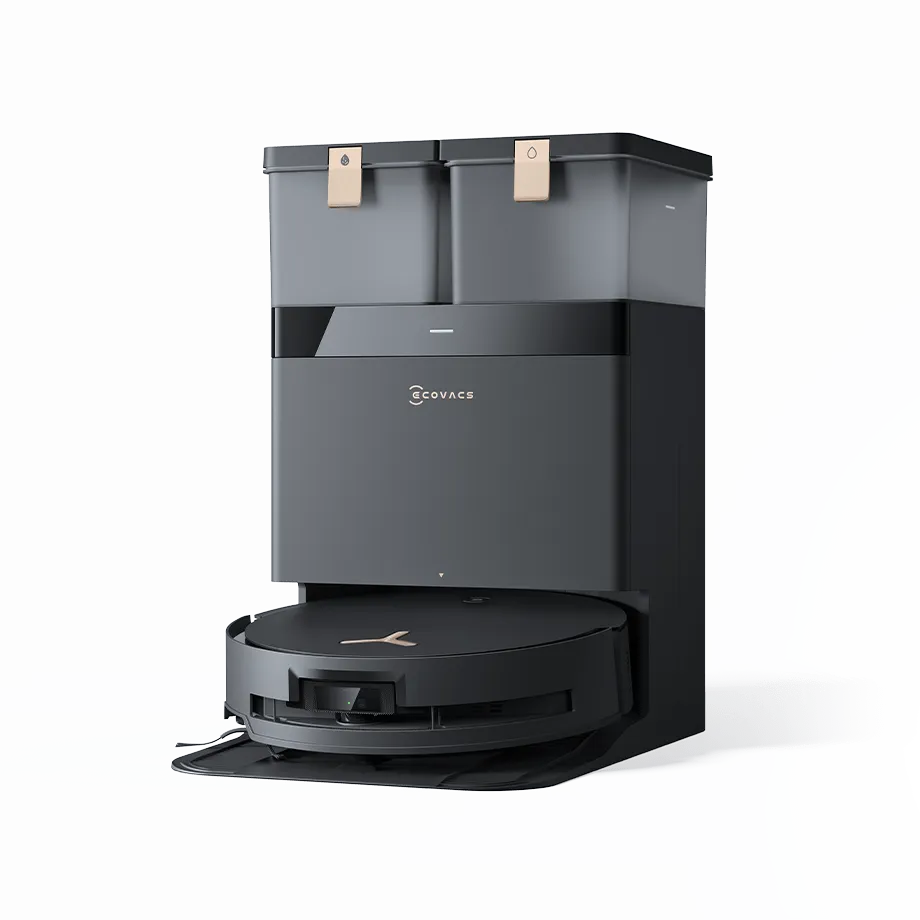
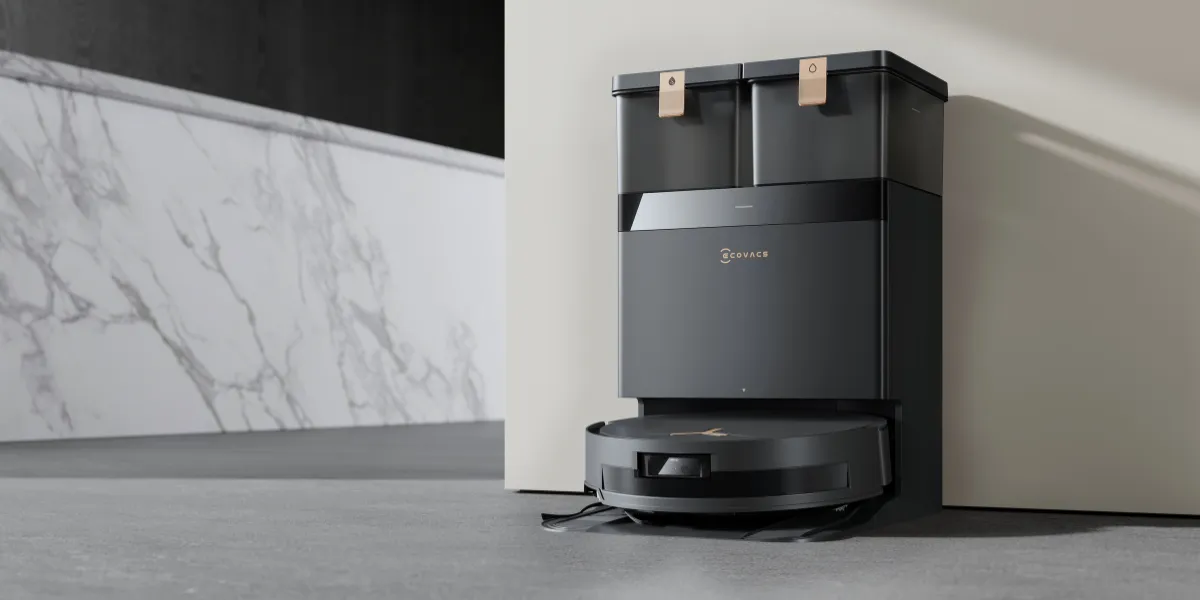
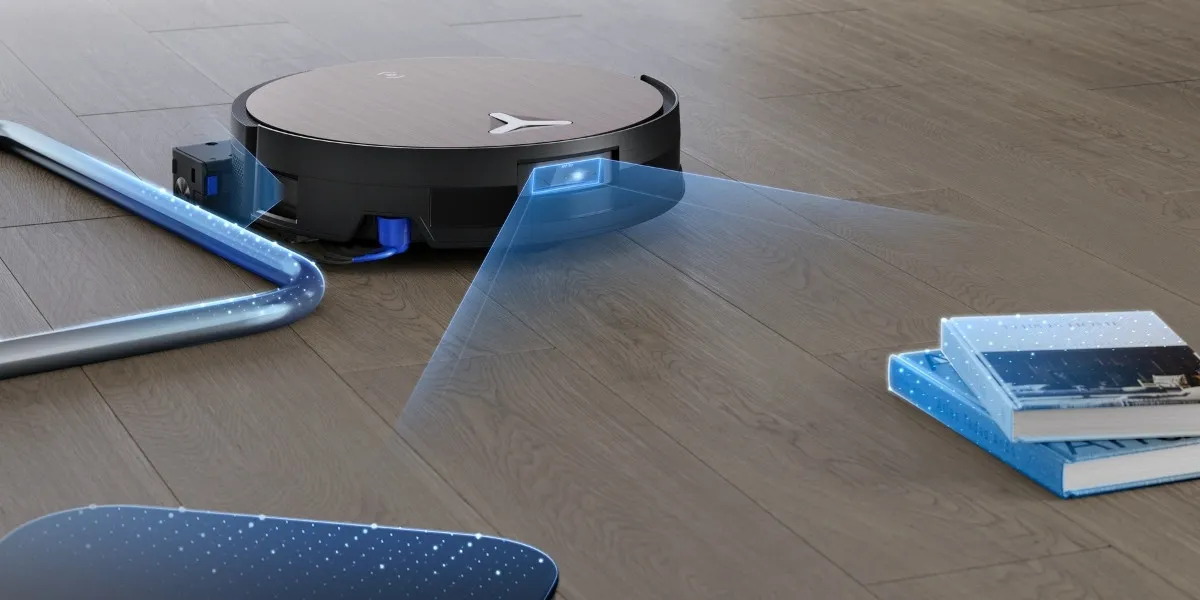
Premium models, such as the DEEBOT X11 OmniCyclone, are designed to prevent these problems. Featuring ZeroTangle 3.0 Anti-Tangle Technology, the brush design helps minimise hair tangles and friction that can block airflow. Multiple sensors monitor the dustbin capacity and filter status, while the ECOVACS HOME app provides maintenance reminders to help users stay on schedule before overheating becomes an issue.
FAQ
Do robot vacuums overheat less than traditional vacuums?
Yes, when comparing robot vacuums to traditional ones, the former is less likely to overheat thanks to smart features such as sensors that monitor dustbin capacity and filter usage, anti-tangle technology, and timely alerts sent through the app.
Why does my vacuum get warm while charging?
It’s normal for robot vacuums to feel slightly warm while charging. The warmth comes from the battery, which naturally generates heat while storing energy. However, excessive heat, swelling, or burning smells may indicate a more serious issue that requires inspection.
Can sunlight cause my vacuum to overheat?
Yes, prolonged exposure to direct sunlight can raise a robot vacuum’s temperature, particularly when it’s stored in an area with poor ventilation. Keep the charging dock and vacuum in a shaded, well-ventilated place to maintain safe operating temperatures.
Related Products