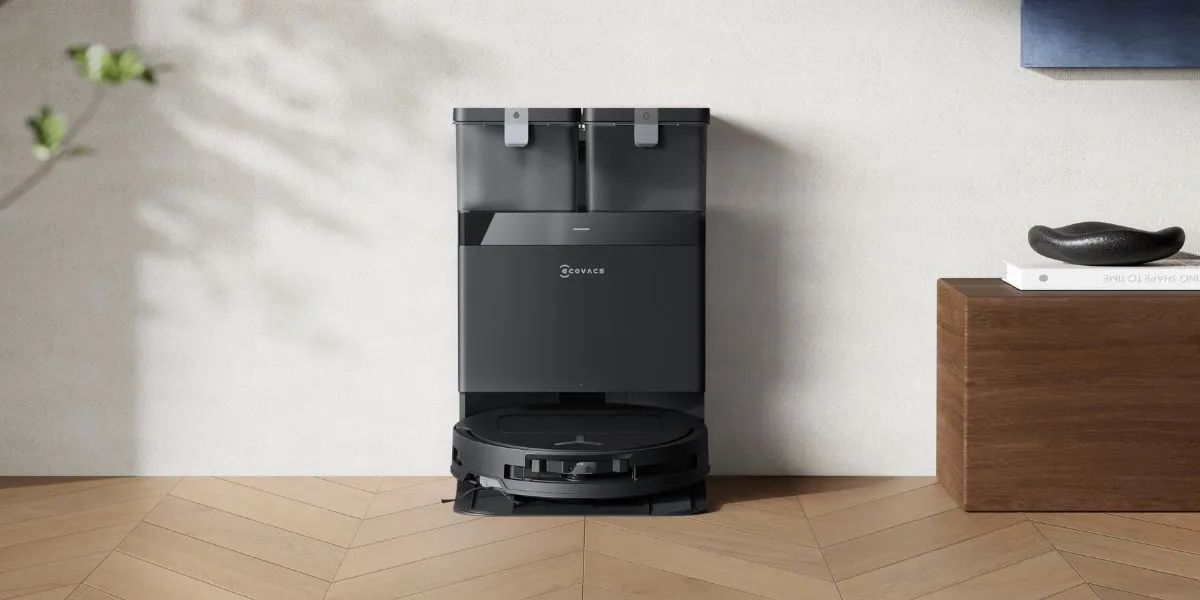
If you are moving from Los Angeles to Austin or going on a long vacation home in Florida, bringing your robot vacuum on the plane may seem easier than paying expensive shipping costs.
But before traveling with a robot vacuum, it is important to know what airlines allow and whether you can put a robot vacuum in checked luggage, since most models use lithium-ion batteries. In the US, Transportation Security Administration (TSA) determines how spare and installed lithium batteries should be packed for air travel.
Here is what you need to know about airline restrictions, battery handling, and packing tips for smoother travel.
Can I Carry a Robot Vacuum on a Plane?
Yes, most airlines let you bring a robot vacuum in carry-on or checked baggage. If it uses a lithium-ion battery, battery rules also apply, which means the battery must be removed and carried in your hand luggage if the battery is removable. You should check both airline rules and battery restrictions before you fly.
When packing, the vacuum itself can usually go in checked luggage or carry-on, depending on the airline’s size and weight limits. These rules align with TSA guidance all flights departing from US airports.
For those planning to bring a smart vacuum and mop on an international flight, remove the lithium-ion battery for carry-on if the battery is removable, then pack the vacuum securely so it can’t turn on during the flight, and confirm the policy with your airline. The final decision at the security checkpoint is always up to the TSA officer1.
How to Bring Your Robot Vacuum on a Plane
Traveling with a robotic vacuum? On top of following airline rules, you should also check the battery type and pack the machine securely in your luggage or carry-on.
Check the Battery Type
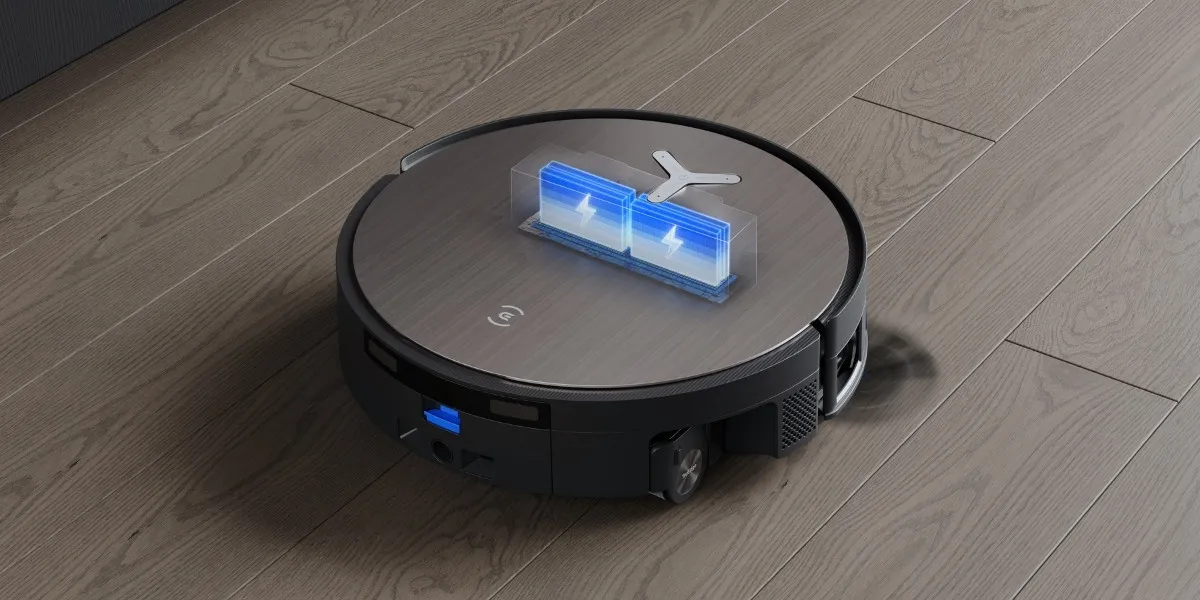
On robot vacuums, most models use lithium-ion batteries. If the battery is removable, take it out and place it in your carry-on bag rather than leaving it in checked luggage.
To remove it safely, power the robot off first, then open the battery cover and carefully remove the battery. Cover the terminals or place the battery in its original case or a protective pouch.
Carry the batteries separately so they cannot touch keys, coins, chargers, or other metal items. This helps protect it from damage and short circuits.
Under Federal Aviation Administration (FAA) guideline, there are no limits for rechargeable batteries under 100 Wh, provided they are for personal use by the passenger. A maximum of one spare battery not exceeding 300 Wh, or two spare batteries not exceeding 160 Wh each, may be carried in carry-on baggage only2.
Checked Luggage or Carry-On
Typically, carry-on is the better option for devices with lithium batteries, while checked baggage is usually fine for the vacuum body when it is powered off and protected.
- Vacuum unit: You can usually pack the vacuum body in carry-on or checked baggage, depending on the size and weight limits.
- Battery and spares: Spare batteries must go in carry-on, and a removable battery should also be taken out and packed in carry-on.
Before packing, turn off the robot vacuum completely. Confirm the relevant airline policy before you fly.
Pack Your Robot Vacuum for Air Travel
Airlines often restrict the size and weight of carry-on luggage. Check if your auto-empty robot vacuum exceeds these limits and decide whether it should go in carry-on or checked baggage. Spare batteries and any removable lithium batteries should be carried in the cabin. Follow these steps to pack the smart device properly:
- Power it off fully, not only sleep mode
- Prevent accidental activation by securing buttons or switches
- Protect exposed battery terminals with the original cap, tape, or a battery sleeve
- Secure loose parts like brushes and the dustbin to prevent breakage
- Protect the device with its original box, a case, bubble wrap, or soft clothing
Check Airline Rules
Due to lithium-ion batteries, most airlines set strict rules for smart vacuum cleaners to minimize the risk of ignition if damaged or short-circuited.
Some airlines allow installed batteries in checked luggage, but policies differ, so confirm before you fly. Spare batteries must remain in carry-on. When in doubt, check with the airline for its packing advice.
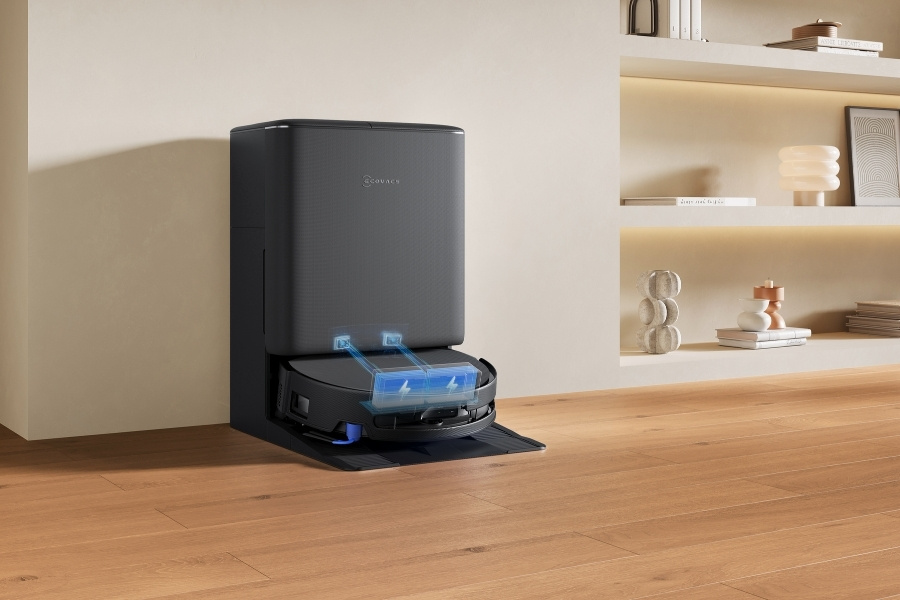
Do You Need To Bring the Charging Dock and Power Adapter?
Yes, bring the original charging dock and power adapter if you plan to travel with the robot vacuum. This helps maintain the correct fit and charging performance for your device.
For international travel, also check the voltage and plug type at your destination. If the adapter label shows input such as 100–240V, you will usually only need a plug adapter.
If not, you may need a voltage converter, depending on the country and the charger specifications.
Should You Bring Your Robot Vacuum On a Flight or Ship It?
Bringing your robot vacuum on a flight is usually the better option if you want more control over cost, convenience, and handling. It is often faster than shipping and may lower the risk of damage, since you can pack the unit more carefully and keep the battery with you when required.
Shipping can make sense if the robot is large or you want to avoid extra baggage, but it may involve more secure packaging, longer delivery time, and added risk during transit.
FAQ
Do all robot vacuums have lithium batteries?
Most robotic vacuums like DEEBOTs use lithium-ion batteries for power. Check your manual and if you can’t find a definite answer, contact the manufacturer to confirm the battery type before traveling, as airlines have strict rules for lithium-ion batteries.
Can I bring a robot vacuum on an international flight to the US or Australia?
Yes, you can bring a robotic vacuum on international flights to the US or Australia. If the device has a removable lithium-ion battery, take it out and carry it in your hand luggage. Pack the smart vacuum cleaner securely, and check your airline’s rules before you fly, as TSA and Australian aviation requirements can vary depending on the battery type and size.
Do lithium batteries for robot vacuums need airline approval?
Most lithium batteries in robot vacuums do not need airline approval if they are under 100 Wh and for personal use. Under TSA guidance, batteries rated at 101 to 160 Wh are usually limited to two spare batteries per passenger. Check your airline’s policy before you fly, as final approval typically depends on the carrier.
Disclaimer(s):
- Transportation Security Administration (TSA) guidance: https://www.tsa.gov/travel/security-screening/whatcanibring/items/vacuum-robots
- Federal Aviation Administration (FAA) guidance on Airline Passengers and Batteries: https://www.faa.gov/hazmat/packsafe/airline-passengers-and-batteries
Related Products