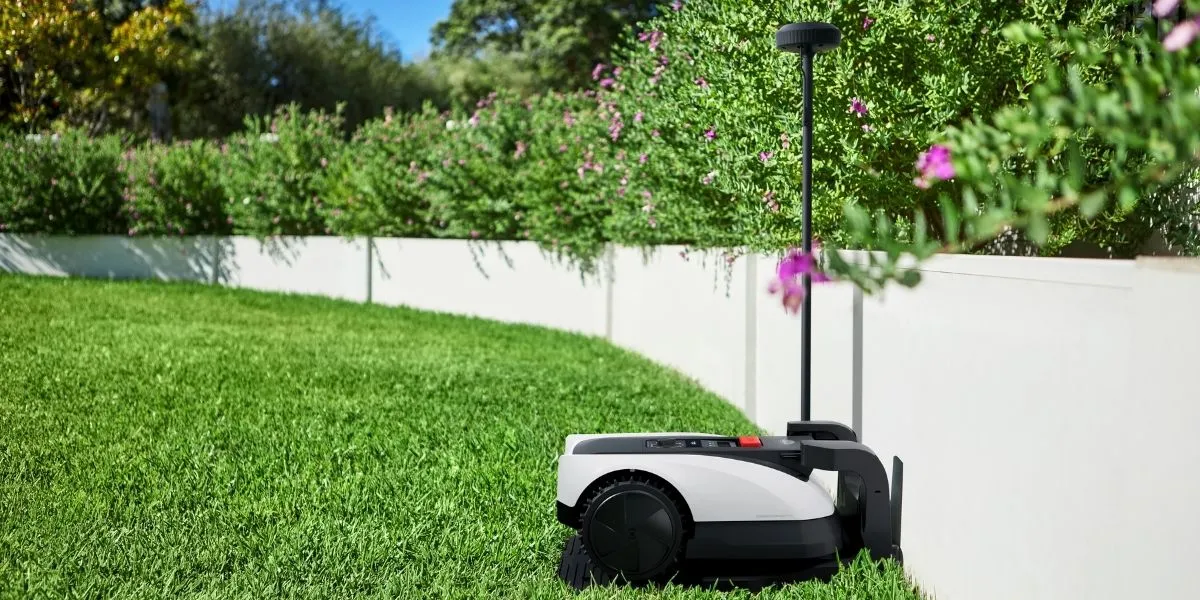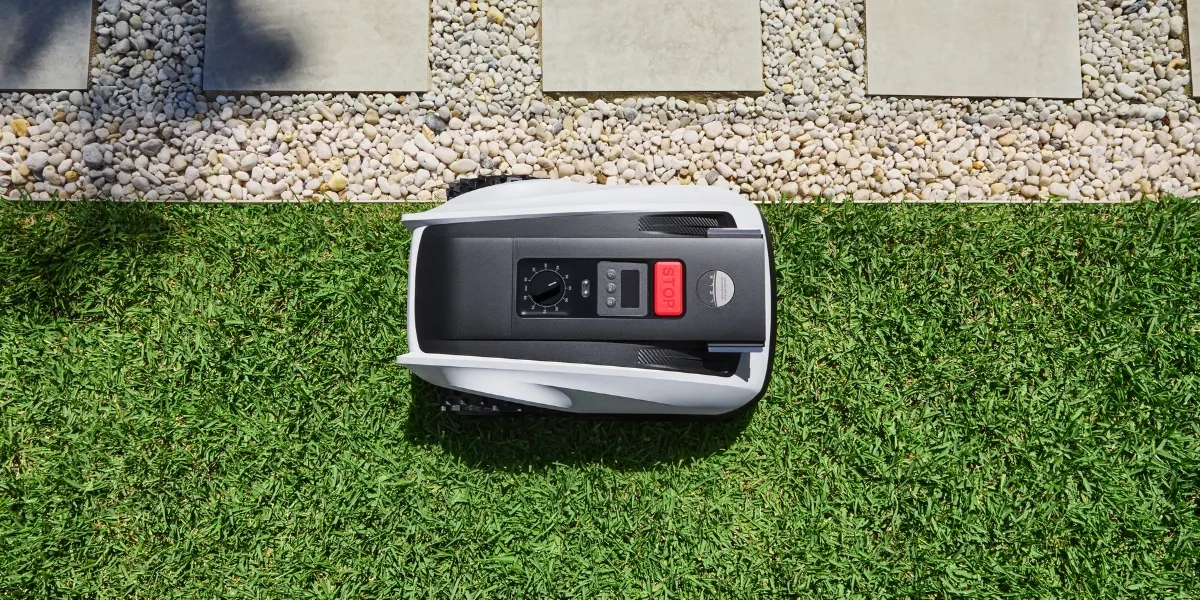
Adopting a robot lawn mower is a great way to make lawn care easier, quieter, and more consistent. While it automates the process, like any outdoor machine, it still needs regular cleaning and basic maintenance to prevent grass clippings and dirt buildup that can lead to uneven cutting, docking problems, sensor errors, or a shorter lifespan.
Most of these problems are easy to prevent. Learn why cleaning and maintenance matter, how to clean a robot lawn mower safely, and how to fix common issues before they affect performance.
Why Regular Maintenance Matters for Robot Lawn Mowers?
Regular cleaning and maintenance help a robot lawn mower cut grass consistently, navigate your lawn accurately, and last longer overall. During mowing sessions, grass clippings and dirt can build up quickly and interfere with moving parts and sensors, increasing the risk of breakdowns or repairs.
You can gradually notice these benefits from your robot mower by keeping a regular maintenance routine:
- Preserves performance: Clearing mud, grass clippings, and moisture from the cutting deck and blades helps reduce uneven cuts and improves airflow during mowing.
- Prevents unexpected downtime: Keeping sensors clean, such as 3D ToF LiDAR and AI front cameras in the GOAT A3000 LiDAR, lowers the risk of wheel or blade blockages and navigation errors.
- Improves safety and reliability: Proper maintenance reduces wear on key components, extends the robot mower’s lifespan, and limits the chance of faults that lead to costly repairs.
On the other hand, this general guideline shows how often to clean your robot lawn mower to keep it running efficiently:
- After every mowing session: Brush off loose grass clippings from the chassis and underside.
- Weekly cleaning: Unclog the cutting blades and wheels, and gently wipe the sensors.
- Monthly or bi-monthly maintenance: Perform a deeper clean, inspect the blades carefully, and replace them every 4 to 6 weeks if needed.
- Annual check: Carry out a thorough inspection and replace worn parts according to the user manual.
- Before long-term storage: Clean all parts and dry them thoroughly before storing the mower in a dry, cool place.
How to Clean a Robot Lawn Mower Step by Step?
A proper cleaning routine for a robot lawn mower should start with safe preparation, followed by removing grass buildup, cleaning the blades and wheels, wiping sensors, and checking charging contacts. These steps help prevent missing components and performance issues caused by dirt and debris.
Step 1: Preparation
Before you begin, always power off the robot lawn mower completely and activate any lock or safety mode, if available. This reduces the risk of accidental startup or blade injury. Wear protective gloves and prepare basic tools such as a soft brush, a small vacuum, or compressed air.
Step 2: Remove Loose Grass and Debris
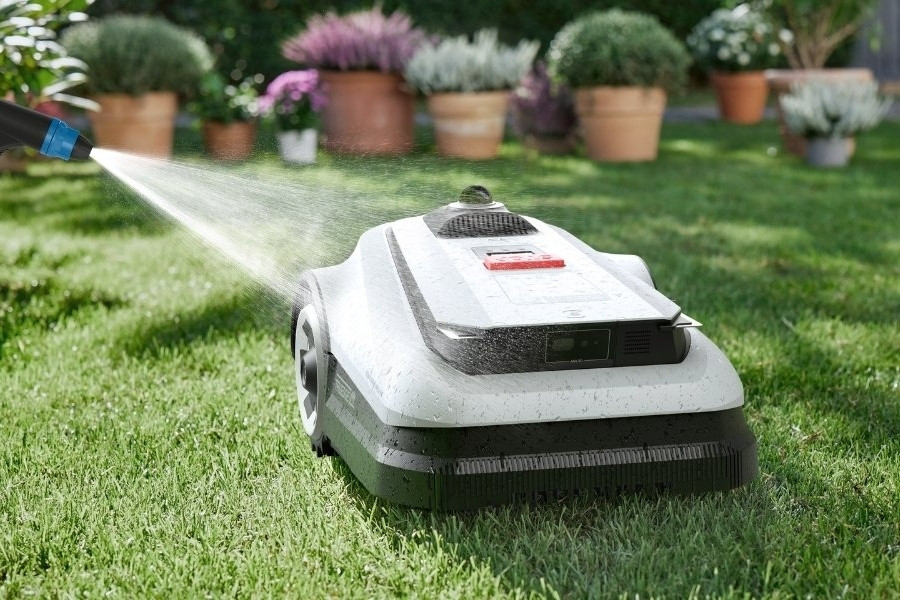
Place the mower on a flat, stable surface and carefully flip it over to access the underside. Use a soft brush instead of sharp or hard tools to remove loose grass clippings from the chassis, wheels, and base. On premium models like the GOAT O1000 RTK with an IPX6 waterproof rating, a gentle rinse can also help clear remaining debris.
Step 3: Clean the Blades
A robot mower works by cutting grass using a blade system, but clippings can stick to the blades, particularly after mowing wet grass. Gently brush away compacted debris and inspect the blades for dullness, rust, or damage. Replace worn or uneven ones to maintain clean cuts.
Step 4: Clean Wheels and Drive Components
Mud and grass that settle on the wheels can cause the mower to lose traction or stop suddenly. Brush debris from the wheel treads and axles, then rotate each wheel to check for stiffness or resistance. Free-moving wheels help the robot mower climb up hills more efficiently.
Step 5: Wipe Exterior and Sensors
Use a dry, clean cloth to wipe the exterior and gently clean the navigation sensors. Avoid using cleaning sprays or detergents. Depending on whether your robot mower uses RTK or LiDAR navigation, you may also need to clean the RTK reference station. Clean sensors improve obstacle detection and path planning accuracy.
Step 6: Clean Charging Contacts and Station
Dirty charging contacts can stop the machine from charging properly. Wipe the contact plates on both the mower and the charging station using a dry, soft cloth. Clear grass and debris around the station and make sure the docking area stays level and unobstructed.
Step 7: Dry and Reassemble Properly
After cleaning, let all parts dry fully before placing the mower back into operation to prevent corrosion and electrical issues. If you plan to put the machine into a long break, such as during winter, store the mower in a well-ventilated area away from direct sunlight.
Common Robot Lawn Mower Issues Caused by Dirt and Debris (And How to Fix Them)
Most performance problems linked to dirt and debris, such as grass buildup interfering with blades, wheels, sensors, and charging contacts, can be resolved with targeted cleaning and basic maintenance. By identifying the affected area and cleaning it properly and in time, you can restore normal operation.
If you choose a robot mower for your home, you may face these common problems:
- Poor cutting quality: Grass stuck around the blades or cutting deck reduces cutting efficiency. Brush away debris regularly and replace damaged or dull blades as needed.
- Mower stopping unexpectedly: Mud or grass packed into wheel treads increases resistance and triggers safety stops. Clean the wheels and axles thoroughly, then rotate them by hand to confirm smooth movement.
- Docking or charging failures: Dirty charging plates interrupt electrical contact. Wipe the contacts on both the mower and dock with a soft cloth, and clear debris around the docking area for stable charging.
- Navigation errors: Robot mowers rely on sensors to navigate and detect obstacles. Gently wipe the sensors to restore accurate navigation and reliable docking.
- Increased wear from trapped debris: Debris trapped under the chassis or around moving parts accelerates wear. Regular deep cleaning protects components and helps extend the mower’s overall lifespan.
FAQ
Is it safe to use a pressure washer on a robot lawn mower?
No, even on waterproof robot mowers, high-pressure water can force moisture into sealed components and damage electronics and sensors. Use a gentle rinse only, unless specified otherwise.
How often should blades be replaced?
Most robot lawn mower blades are recommended for monthly inspection and replacement every four to six weeks, depending on usage, grass type, and weather conditions.
Can dirty wheels cause the robot mower to stop?
Yes, when grass, debris, or mud gets stuck in the wheels, resistance increases and traction is reduced. This can trigger safety stops and cause the mower to halt unexpectedly during operation.