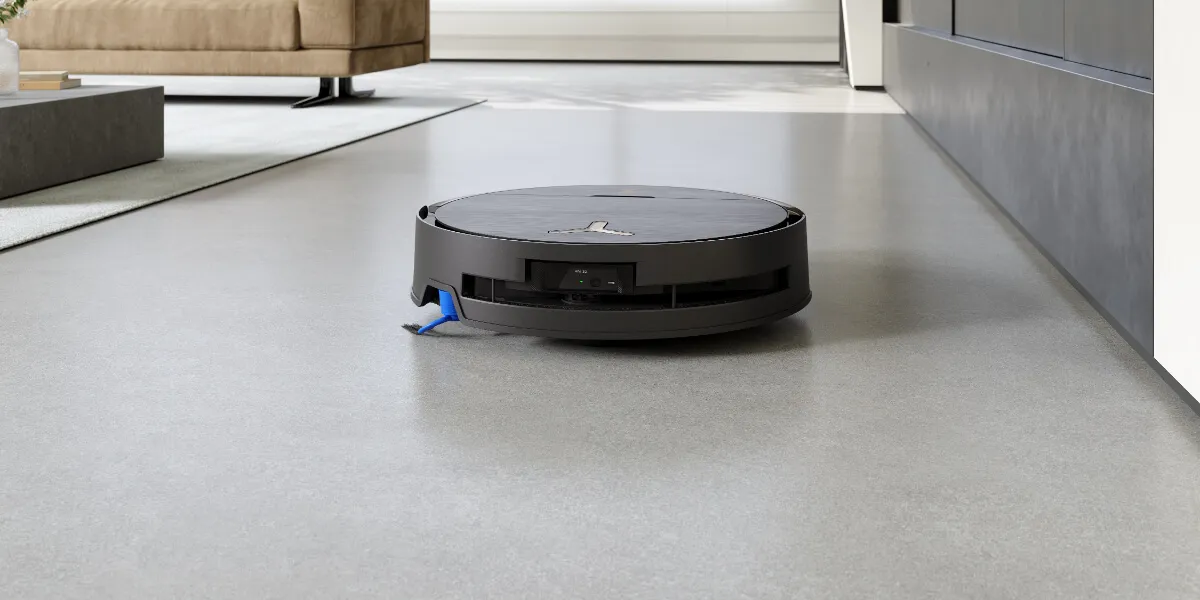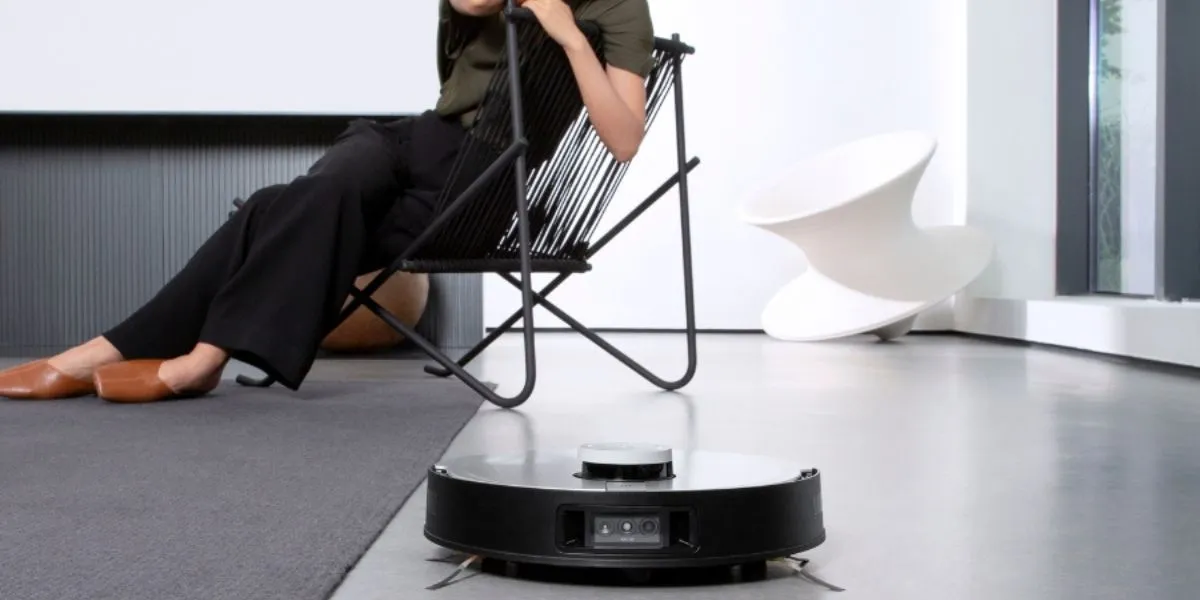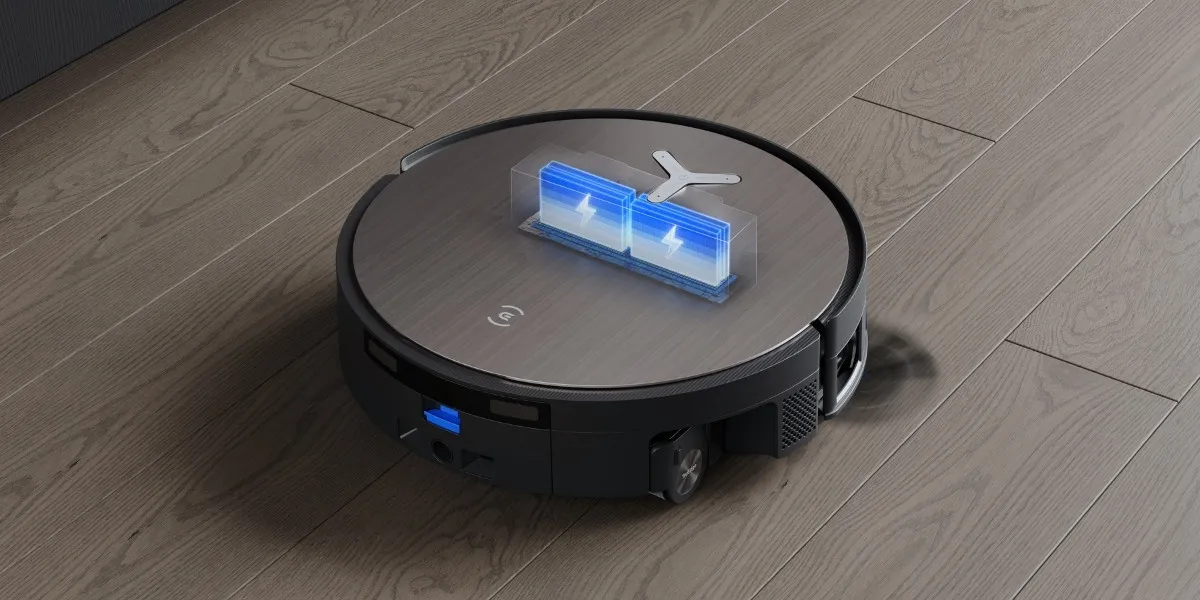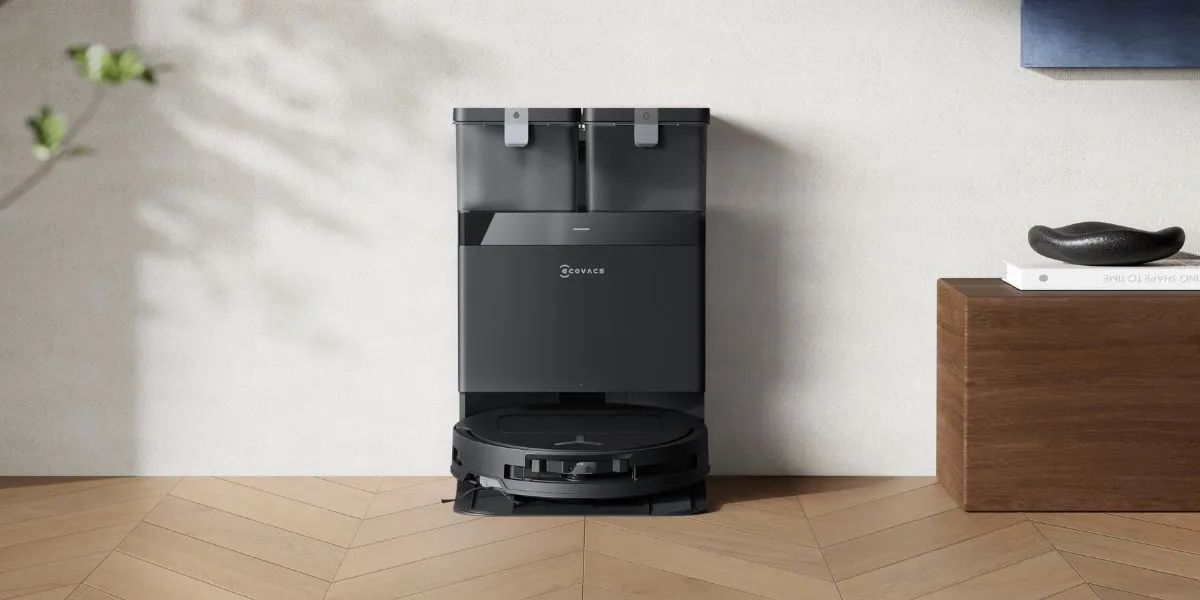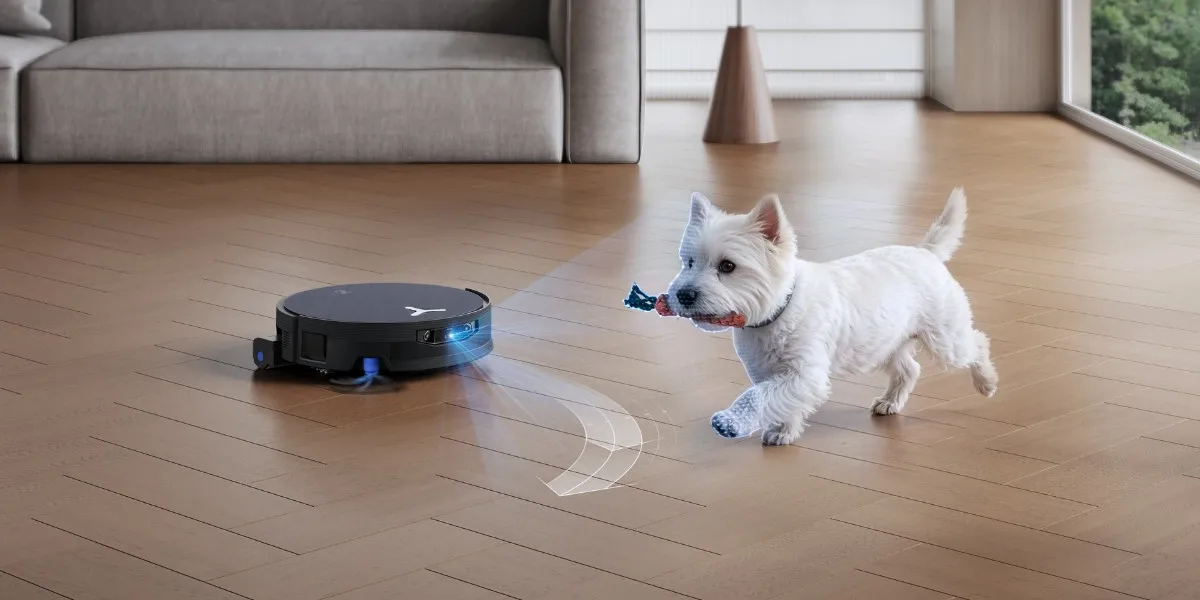
Robot vacuums are now part of everyday cleaning routines, with 30.4% of Americans using one. When a wheel gets stuck, the robot vacuum may move unevenly, spin in circles, or pause with an error message. You might also notice it stopping in the middle of a session or struggling to dock properly.
These signs usually point to a wheel issue that you may be able to spot and fix quickly. To do so, find out how the wheel system works, why wheels get stuck, how to fix the problem step by step, and what you can do to prevent it from happening again.
Why Your Robot Vacuum Wheel Is Stuck?
Your robot vacuum wheel is stuck when movement is blocked or resisted. The most common reasons involve hair and debris wrapping around the axle and stopping rotation. Loose cords, toys, or thick rugs can physically jam the wheel, while worn parts may cause uneven movement or force the robot to stop.
How the Wheel and Navigation System Works?
Before troubleshooting, it helps to understand how the wheel and navigation system work in a robot vacuum and mop to identify why a wheel may get stuck.
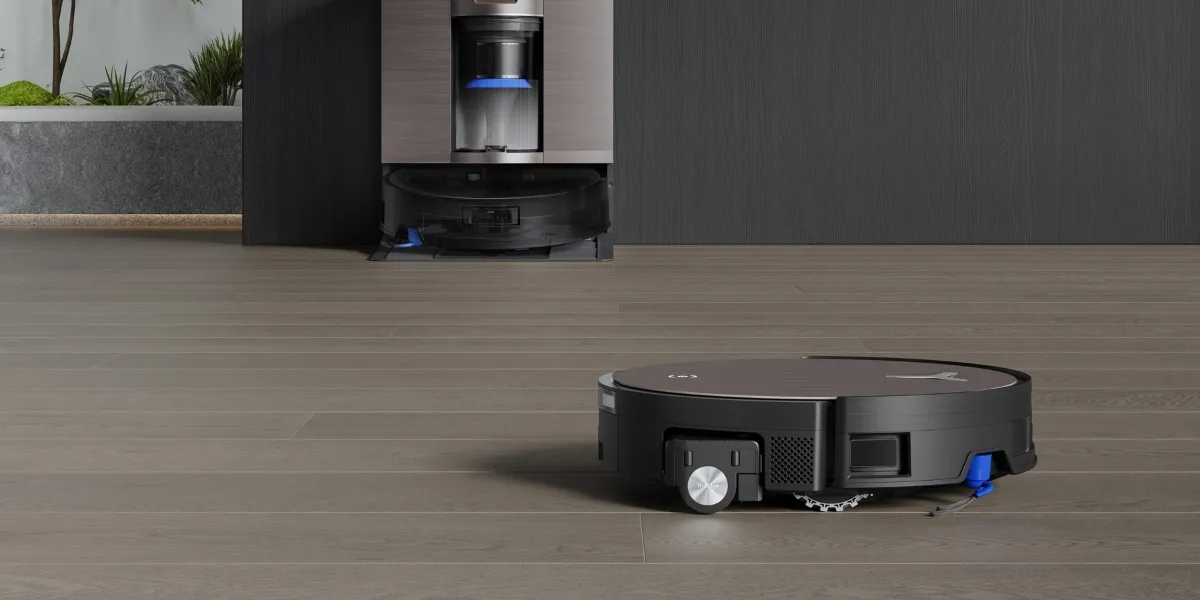
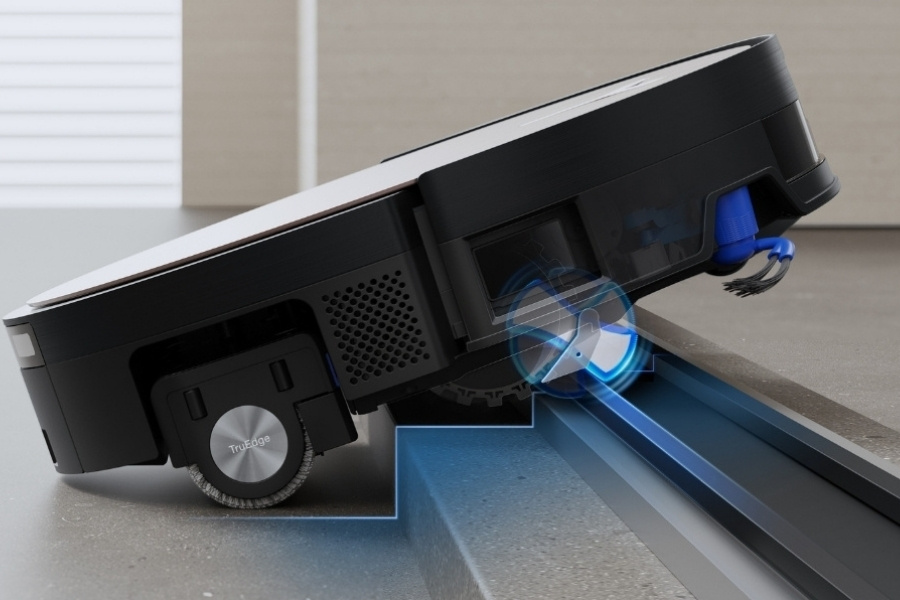
- Main Driving Wheels: The main drive wheels control movement, traction, and threshold climbing. They rely on motor-driven rotation, suspension, and axles to maintain grip on different floor types.
- Front Caster Wheel: Also known as a universal wheel in DEEBOTs, it supports balance and steering, helping the robot turn smoothly, dock accurately, and maintain straight-line movement.
- Wheel Sensors: Wheel sensors monitor rotation and resistance, feeding data into the navigation system. When abnormal resistance is detected, the robot may change direction, stop, or trigger an error to prevent further movement or damage.
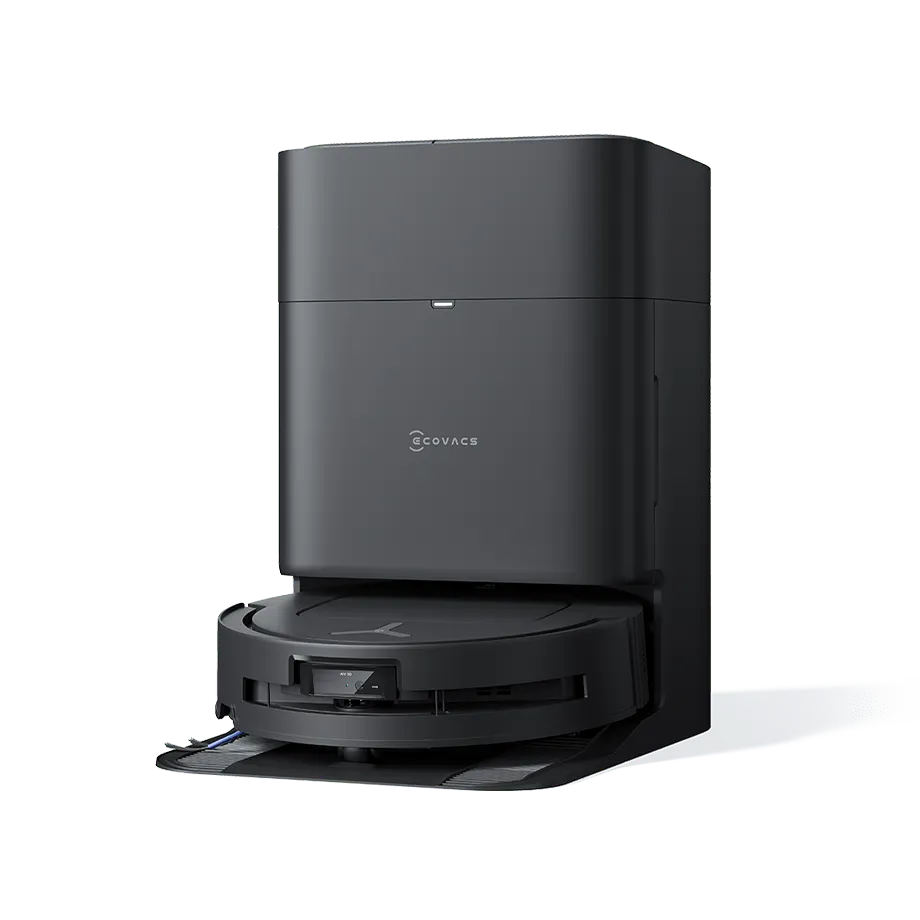
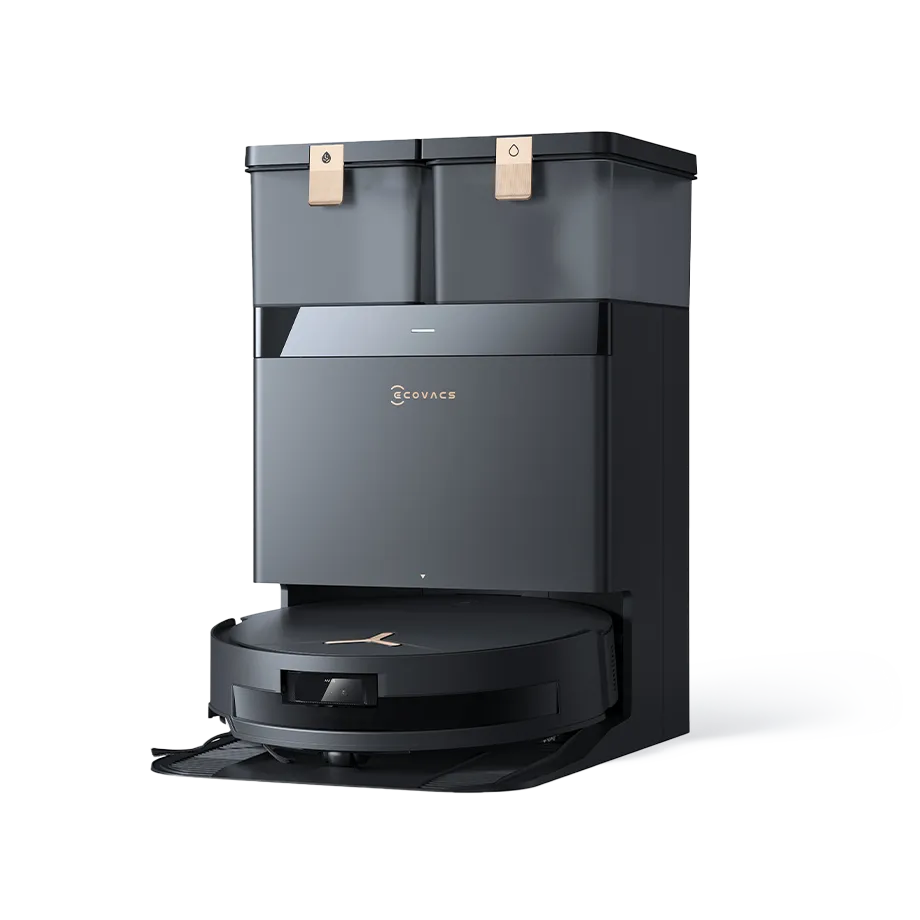
On DEEBOT X11 OmniCyclone, for example, the TruePass Adaptive 4-Wheel Drive Climbing System uses auxiliary levering wheels with rubber gripping teeth to mechanically assist crossing single thresholds up to 0.94 inches and continuous height changes up to 1.57 inches without relying on vision-based detection.
Read more: How To Dispose of a Robot Vacuum?
Common Causes a Robot Vacuum Wheel Gets Stuck
Common wheel issues usually develop gradually, and by understanding them, you can quickly identify and decide the right fix.
- Debris wrapped around the axle: Hair, threads, and pet fur can wrap tightly around the wheel axle and build up gradually.
- Dust buildup: Fine dust can collect inside the wheel housing and increase friction during movement.
- Worn parts: When wheel treads, bearings or internal components wear down and lose grip on the floor.
- Physical obstacles: Rug edges, loose cords, thresholds, or clutter can physically jam a wheel and let the robot spin in circles.
- Motor or sensor resistance: When the wheel motor encounters abnormal resistance, protection logic may activate to prevent damage.
Read more: How To Clean a Robot Vacuum Filter?
How to Fix a Stuck Robot Vacuum Wheel?
To fix a stuck robot vacuum wheel, start by powering off the device and flipping it over. Take away hair, string, or debris from the wheel and housing, then press and release the wheel to loosen it and wipe it clean. If movement does not return, check sensors, reset the robot, or consider professional support.
Step 1: Power Off and Flip the Robot
Before inspecting anything, pause or turn the robot off, remove the dirty water box, and place it upside down on a soft surface to avoid accidental movement. If you keep the robot running during inspection, it can also lead to incorrect conclusions, since motors may resist movement as part of normal operation or safety logic.
Step 2: Inspect and Clean the Driving Wheels
Manually rotate each driving wheel and gently press it in and out to loosen trapped debris. Remove hair or dirt from the axle and wheel housing using tweezers or a small brush. For example, pet hair or carpet fibers often wrap tightly around the axle, limiting the rotation and movement of the device.
Step 3: Clean the Front Caster Wheel
Next, check the front caster wheel, also known as the universal wheel on DEEBOT models. Gently rotate the wheel into different directions and clean it using a soft brush or a suitable tool. Be sure to clear the wheel cavity and axle thoroughly before reinstalling it securely.
Step 4: Clear Dust From Wheel Housing
Use a small brush or compressed air to lift fine dust from inside the wheel housing. This reduces friction and prevents dust from affecting movement or triggering false resistance. While cleaning this area, take a moment to clean the sensor, as nearby dust buildup can interfere with navigation and lead to unnecessary stopping or turning.
Read more: How Often Should I Empty My Robot Vacuum Cleaner?
Step 5: Test Wheel Movement Manually
After cleaning, rotate each wheel by hand to confirm smooth movement. The wheel should turn freely without grinding, stiffness, or uneven resistance. If a wheel feels tight or fails to rebound when pressed, this may indicate internal wear or motor-related issues that basic cleaning cannot resolve.
Step 6: Restart and Test on a Flat Surface
Once everything is reassembled, place the robot on a clear, flat surface and follow the steps to restart a robot vacuum. Observe how it moves during the first few minutes. If the robot moves in a straight line, turns freely, and travels consistently, it is safe to say the wheel issue has been resolved.
Read more: Why Your Robot Vacuum Doesn't Charge?
What to Do If Your Robot Vacuum Wheel Is Still Stuck?
If the wheel remains stuck after cleaning, the issue may point to internal component problems. In particular, signs such as a wheel that does not rotate freely, repeated overload warnings, or the robot stopping mid-clean usually suggest deeper resistance.
At this stage, if cleaning and repairing it yourself does not restore movement, it is best to contact customer service for professional support.
It’s also a good idea to take a moment to review your warranty coverage. DEEBOT robot vacuums, for example, are covered for at least 12 months from the purchase date. However, normal wear parts, misuse, or non-approved spare parts are not covered.
Related Products