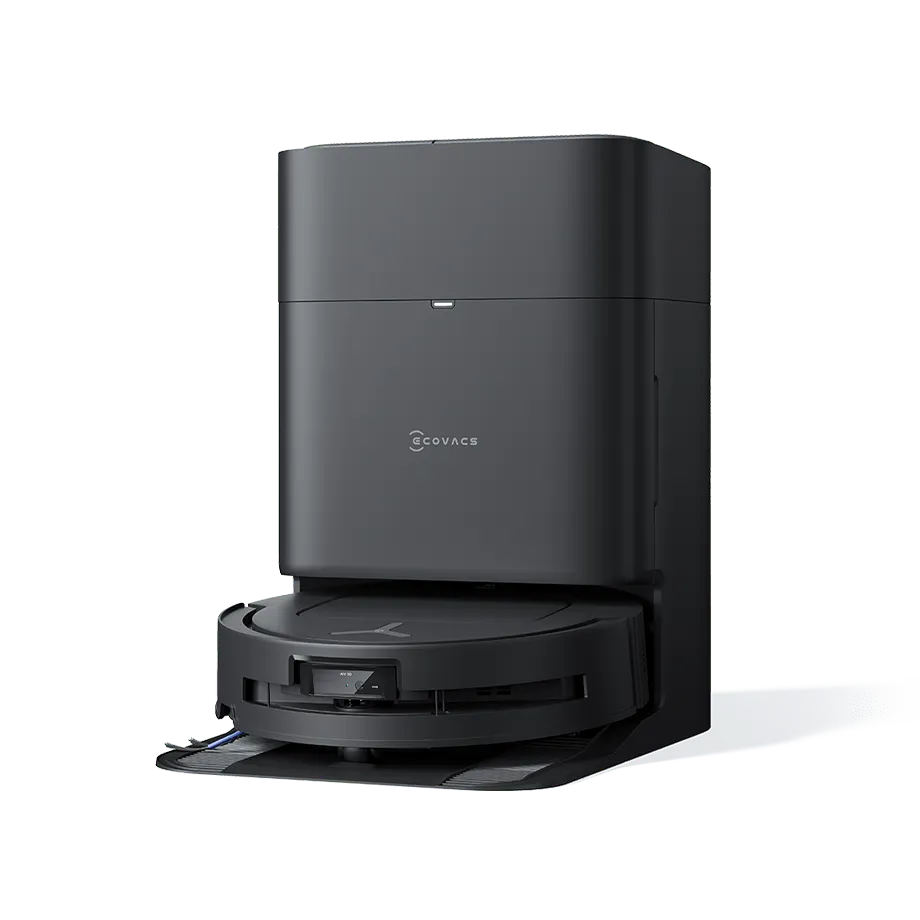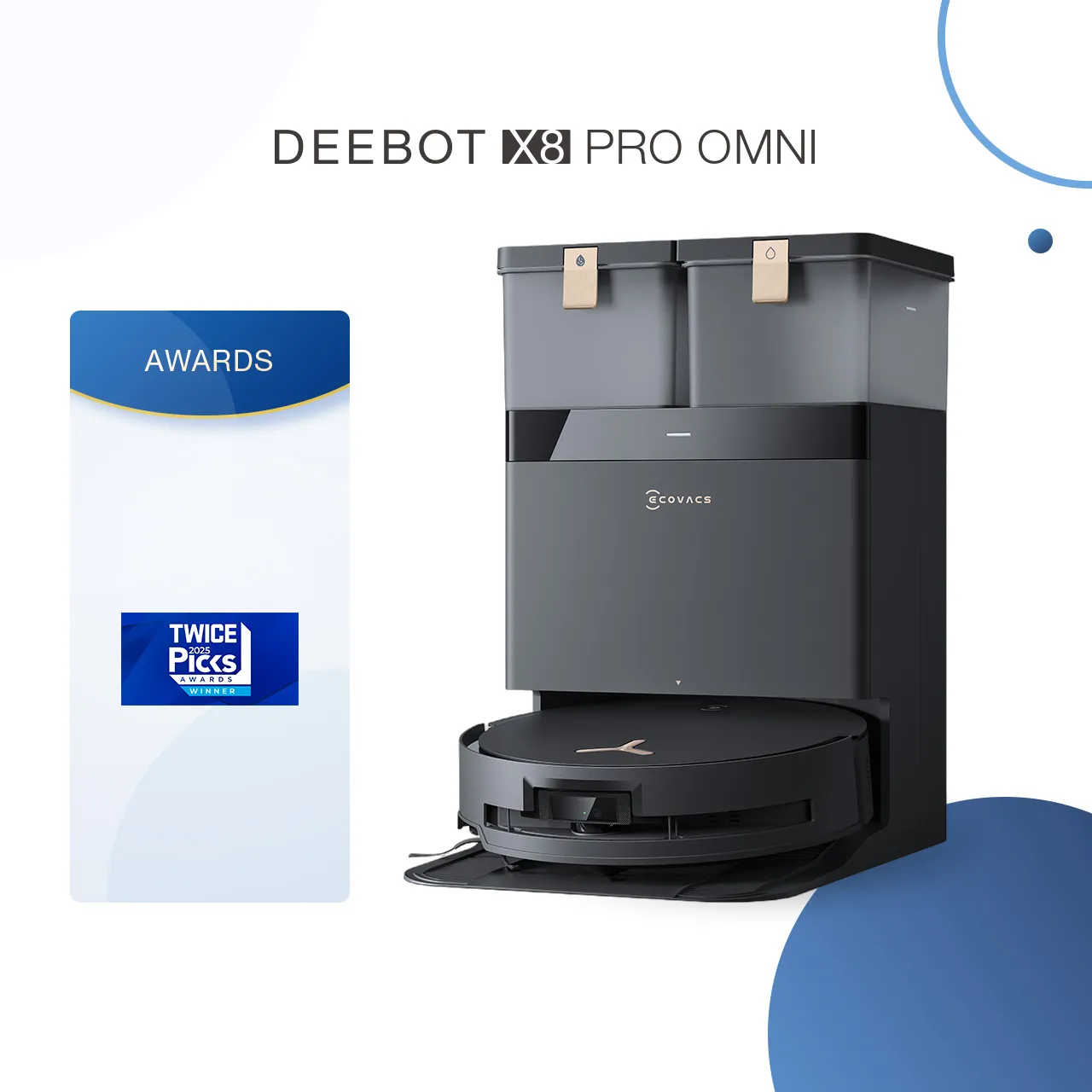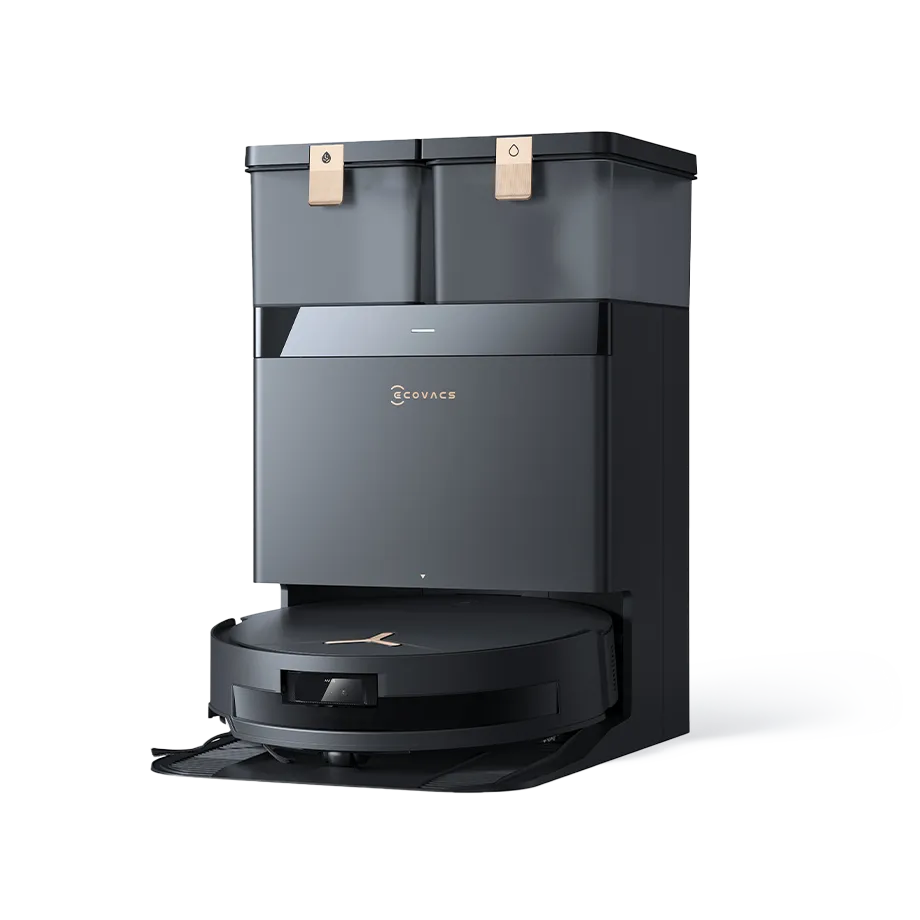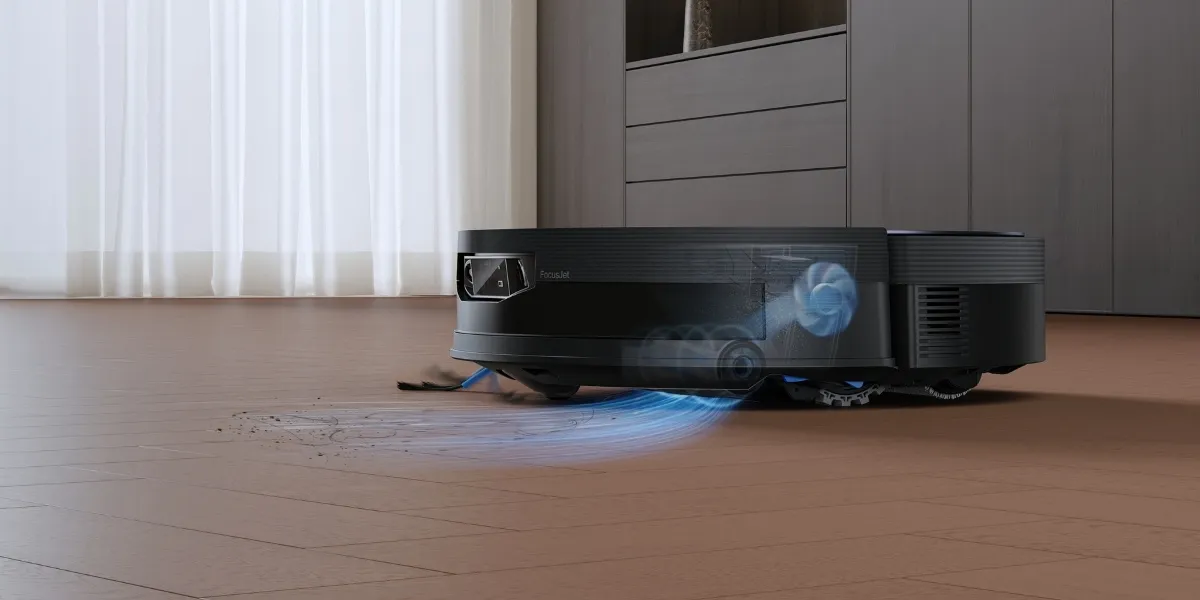
When you finally set the perfect routine with your robot vacuum and mop, but it suddenly stops dispensing water and leaves the floor dry, it can feel frustrating. The performances can fall short: dust and fine dirt get pushed around instead of lifted, dried stains remain visible, and high-traffic areas may even feel gritty underfoot.
While water dispensing issues are common and usually fixable, you should learn how the water dispensing system works, why the problem happens, how you can fix it properly, and what you can do to prevent it from happening again.
Why is My Robot Vacuum Mop not Dispensing Water?
If your robot vacuum mop is not dispensing water, common reasons include blocked outlets, an incorrectly installed tank or mop, dirty pads, or air trapped in the pump. Low water settings can also limit flow. In some cases, residue from unsuitable solutions restricts movement inside the system.
How the Water Dispensing System Works?
Before troubleshooting, it helps to understand how a robot vacuum and mop manage water flow. Knowing how each part works makes it easier to spot where problems start and what to check first.
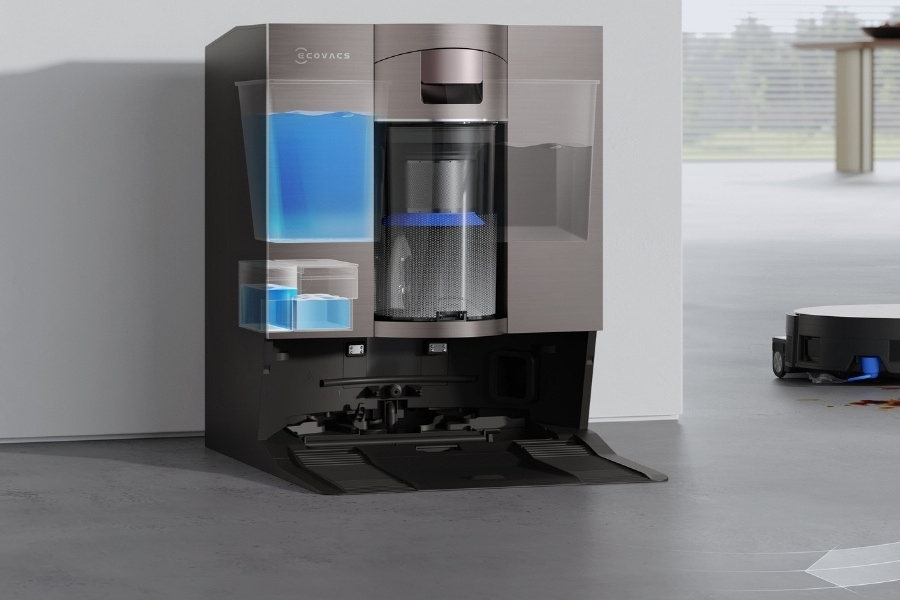
- Water tank: In most robot vacuums, water is stored inside a removable tank and released gradually during cleaning.
- Small valves or flow regulators: To control how much water exits the tank, these parts help maintain a steady and controlled release. The DEEBOT X9 PRO OMNI, for example, supports up to 50 water levels set via the ECOVACS HOME app.
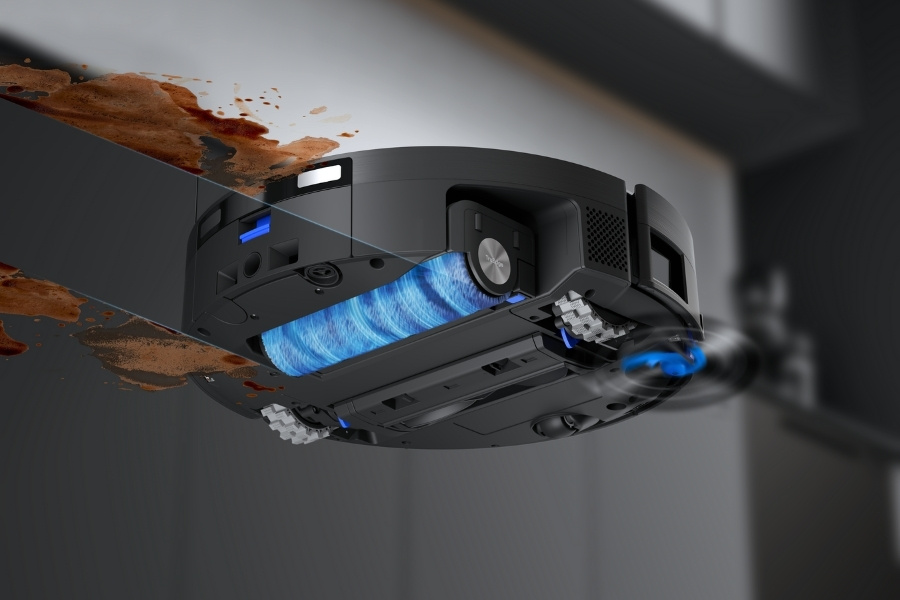
- Pump and internal channels: A small pump pushes water from the tank through internal channels toward the mop area. On the DEEBOT X11 OmniCyclone, the OZMO Roller 2.0 system continuously refreshes the mop roller with clean water during mopping cycles.
- Mop pad absorption: The mop pad must absorb water before moisture reaches the floor, which is why new or fully dry pads may take time to saturate.
Read more: How And Where To Get a Robot Vacuum Repaired?
Common Reasons Your Robot Mop Is Not Dispensing Water
Most water dispensing problems are easy to diagnose at home. When the issue first appears, you can perform simple checks before moving on to deeper troubleshooting.
- Clogged water outlet or nozzle: Small openings where water exits can become blocked by dirt or mineral buildup. This is more likely when hard water is used in the tank or when routine cleaning is skipped.
- Incorrect tank or mop installation: If the water tank, mop plate, or pad is not seated correctly, water cannot flow as intended. This often happens after removing parts for deep cleaning during maintenance of the robot vacuum.
- Dirty mop pad: Even with self-cleaning, a mop pad, such as a DEEBOT mop roller, should be replaced every one to two months. A heavily soiled pad may repel water instead of absorbing it.
- Air trapped in the pump: After refilling the tank or following long periods of non-use, air pockets inside the pump can block water from traveling through internal channels.
- App or water level settings: When mopping hardwood floors or other surfaces that are sensitive to moisture, water output can be set too low and keep the pad dry.
- Incompatible liquids or residue: Check the cleaning solution used in the smart device. A non-official cleaner can lead to thick liquids or leftover residue inside the tank, which may cling to internal channels and make water dispensing inconsistent.
Read more: Why Won't My Robot Vacuum Go Straight?
How to Fix a Robot Mop That Is Not Dispensing Water?
To fix a robot mop that is not dispensing water, start with basic checks. Make sure the wet mop pad is installed correctly, the water tank is filled properly, and the outlets are clean. Restart the robot and run a short cycle. If water still does not flow, a professional checkup may be needed.
Step 1: Stop the Robot Before Troubleshooting
Before inspecting any parts, pause or power off the robot to stop water or debris from leaking and reduce the risk of sudden movement. Troubleshooting while the robot is running can also lead to misleading conclusions about the actual cause.
Step 2: Clean the Water Outlet
Rinse the water outlet with clean water. Gently remove dirt or mineral residue using a soft tool or cloth. Take care not to damage small parts, as these openings control water flow toward the mop area. Besides, check for foreign objects between the water tank and the station, and rinse the tank filter if present.
Step 3: Reinstall the Tank and Mop Correctly
Next, check that all removable parts are attached properly. Remove the water tank and mop, then reinstall them firmly and flat. Pay close attention to the sealing plug on the station and confirm it is fitted tightly. A loose connection can trap water inside the tank and interrupt flow even when it is full.
Read more: Why Is My Robot Vacuum Making A Weird Noise?
Step 4: Clean or Replace the Mop Pad
On a regular basis, wash reusable mop pads thoroughly to remove trapped dirt and residue, or replace them when they no longer absorb water well or feel stiff. This also applies to self-cleaning robot vacuum and mops. A worn pad can prevent water from transferring evenly across the floor surface.
Step 5: Prime the System
Before starting a cycle, manually dampen the mop pad or roller to help restore water movement. Then run a short cleaning cycle to check whether the pump can push water through internal channels and reach the mop area consistently.
Step 6: Check App Settings
For robot vacuums with an app, such as the ECOVACS HOME app, review water output settings in case they are set too low. Increase the water level if needed. Also, confirm that the robot is set to mopping mode, since vacuum-only modes can restrict water dispensing.
Read more: Why Your Robot Vacuum Doesn't Charge?
If the issue persists after all fixes, it may point to internal component problems such as pump failure or sensor or contact issues. You can reset the robot vacuum and mop to clear temporary system errors. In case the water release remains inconsistent, it is best to call for professional support.
Tips to Prevent Water Dispensing Issues
Building a habit of proper maintenance for your robot vacuum and mop helps preserve long-term value and reduces the risk of water flow problems and repeated troubleshooting.
- Keep a maintenance routine: Rinse the water tank regularly to clear residue and mineral deposits. Features such as 167°F hot water washing, as seen on the DEEBOT X11 OmniCyclone, help prevent dirt buildup on the mop pads and support steady water absorption.
- Use clean water only: Filling the tank with clean water instead of hard water helps limit residue buildup inside internal channels, reducing the risk of blockages.
- Store the robot properly: When storing the robot vacuum for a period of time, empty the water tank and let the mop pads dry fully. This prevents residue from settling and blocking water dispensing.
Related Products