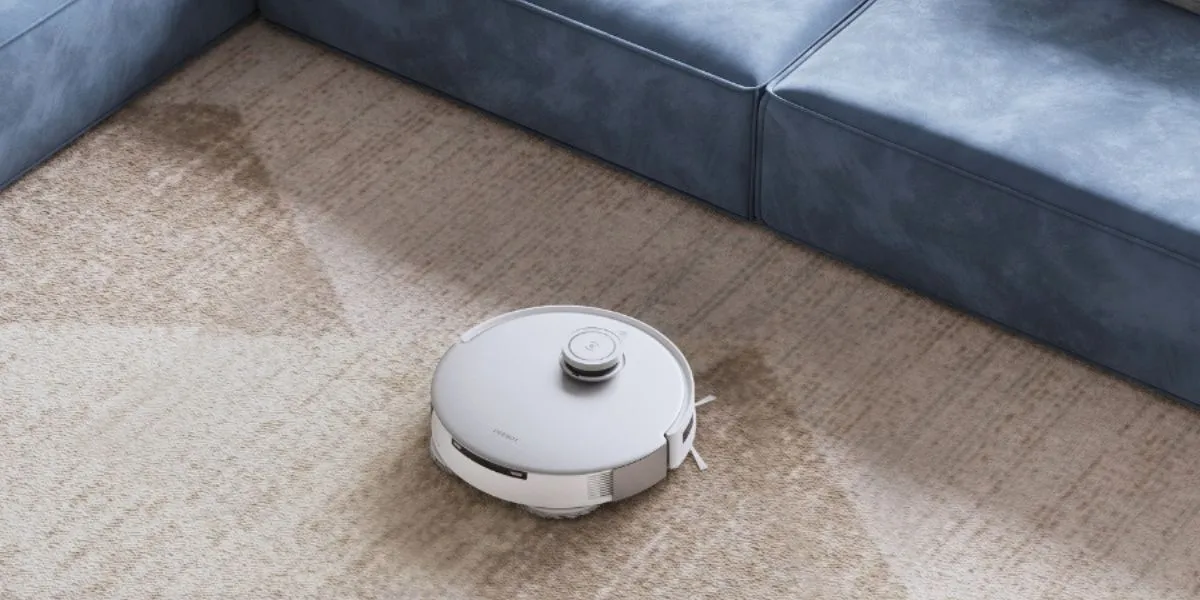
Robot vacuums have taken the world by storm, with the United States market forecast to reach US$4.29 billion by 20331. While most robot vacuums last several years, the exact lifespan depends on the model quality, how often you run it, and, more importantly, how well you maintain it.
As they sweep and vacuum away dust and dirt, they save you time for daily tasks; however, like any electronic appliance, your cleaning robot needs regular care to stay efficient.
To help you extend its lifespan, we have gathered nine essential tips you can easily follow at home.
How Long Do Robot Vacuums Last?
Typically, robot vacuums last 4 to 6 years, with the exact lifespan depending on build quality, usage frequency, and routine maintenance such as cleaning sensors, brushes, and replacing worn parts. In comparison, premium robot vacuum and mops often last longer than budget models thanks to stronger navigation and obstacle detection that reduce wear and damage.
Robot vacuum users can expect the following timeline:
- Year 1–2: Routine upkeep and occasional brush or filter replacements
- Year 2–3: Battery runtime may drop and battery replacement becomes common
- Ongoing: Brushes and filters wear first, while motors and sensors last longer with proper care
Usage conditions also affect how long vacuums last. For instance, if you have Golden Retrievers that shed heavily, habits of wearing outdoor shoes indoors, or live near highways or construction sites, the robot will naturally wear faster than in average households.
Maintenance and replacement schedules also play a major role. Even with self-emptying robot vacuums, you still need to clean the body regularly and replace worn parts on time to maintain long-term performance.
What Affects the Lifespan of a Robot Vacuum?
To prolong the lifespan of your robot vacuum, pay attention to the main factors, including design and material quality, battery condition, cleaning schedule, and conditions such as the amount of pet hair, dirt, and pollen. Regular maintenance also helps prevent early wear and performance decline.
Build Quality
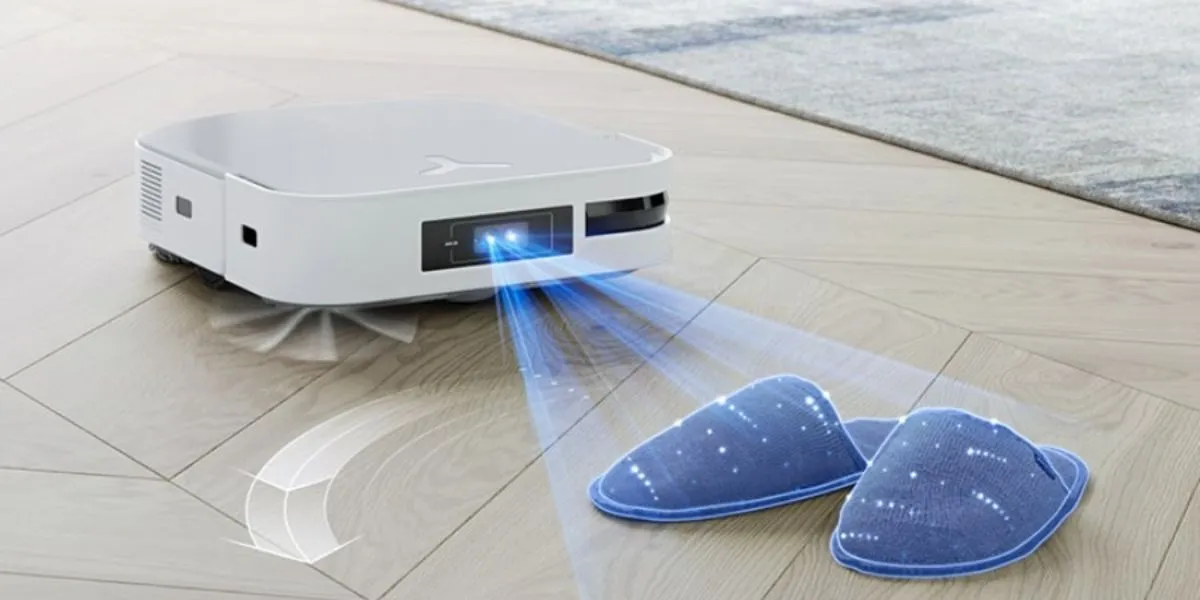
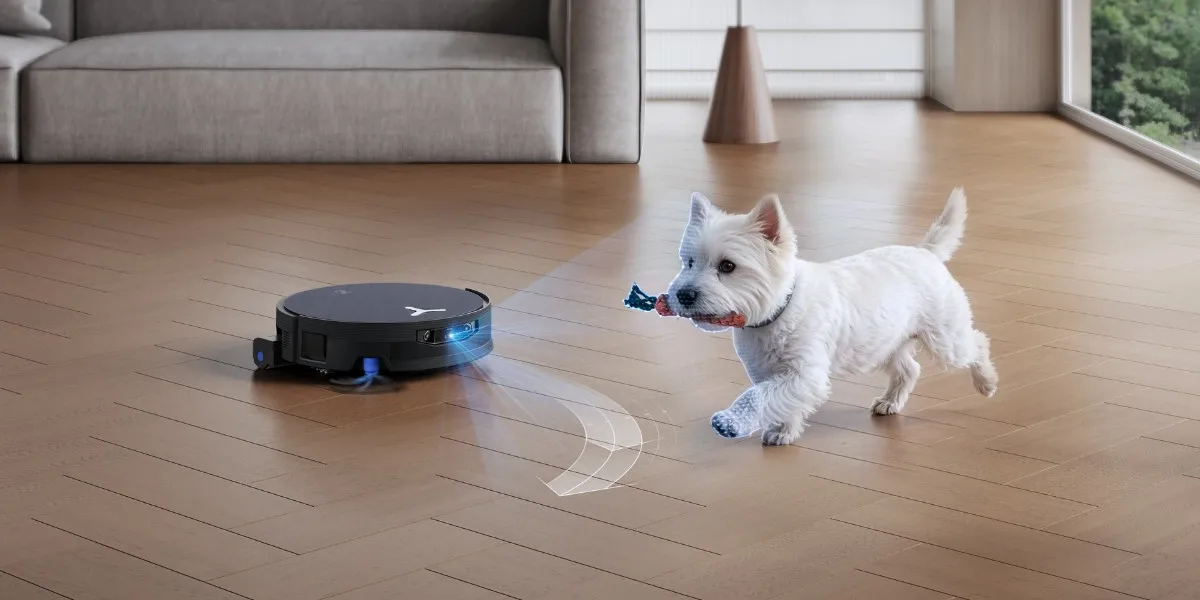
In terms of quality, premium brands usually design robots with stronger motors, wheels, and sensors, which often last longer than budget options. For example, LiDAR robot vacuums are more accurate at navigating around objects, which puts less strain on internal parts.
Usage Frequency
How often you run your robot vacuum directly impacts wear on brushes, wheels, and motors, particularly when maintenance is neglected, causing unnecessary mechanical stress that can shorten its lifespan.
Home Environment
Pets, heavy foot traffic, or pollution naturally create more dust in your home. Long pet hair can tangle brushes, while fine dust can clog filters and sensors and accelerate wear if not managed properly.
Battery Health
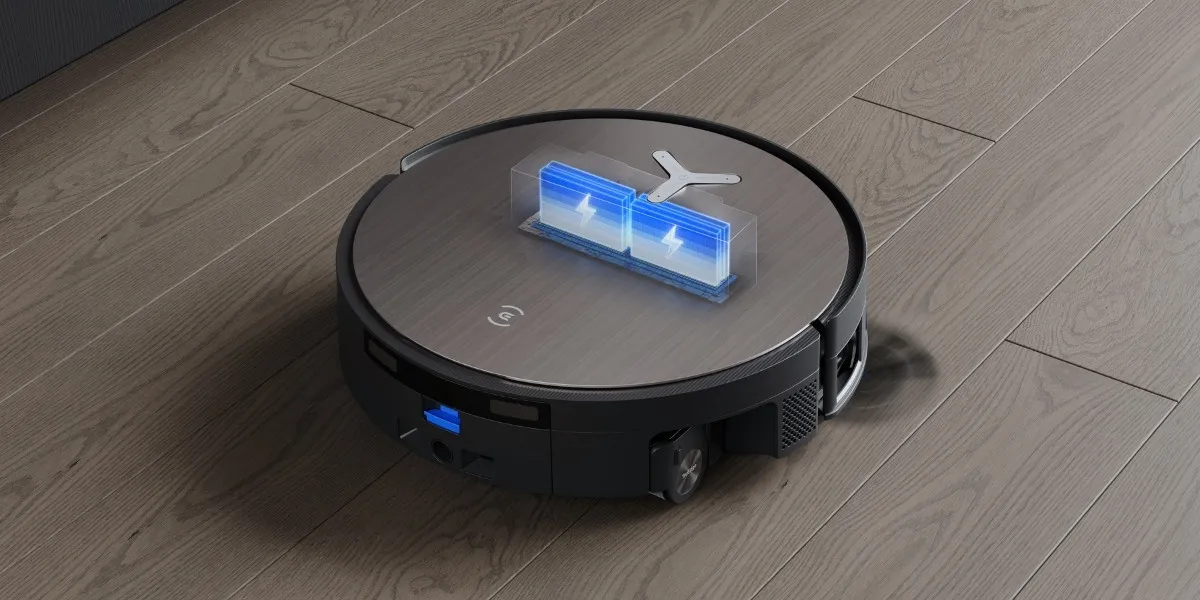
The battery life of your robot vacuum normally depends on proper charging habits, clean charging contacts, and timely battery replacement, which also supports the usable life of the entire device.
Maintenance Habits
Regular maintenance, including cleaning brush rolls, emptying dustbins, washing filters, and wiping the body, helps minimize airflow blockage and protects internal components. Otherwise, you could force the vacuum to work harder.
Software and Navigation
Advanced robot vacuum navigation types, such as LiDAR or camera-based mapping, help the machine identify cleaning areas and obstacles along the route, reducing the risk of collisions, repeated passes, and missed spots.
9 Tips to Extend Your Robot Vacuum's Lifespan
Proper maintenance habits and usage can make a big difference in how long your robot vacuum lasts. Simple actions such as keeping floors safe for operation, replacing worn parts on time, storing the robot correctly, preventing liquid damage, updating firmware, and using reliable accessories all help reduce wear. Taking advantage of customer support and warranty services also helps protect your investment.
Tip 1: Regular Maintenance
Consistent upkeep is the most effective way to improve performance and reduce wear. Cleaning the smart vacuum every 1 to 2 weeks, or refer to the timeline suggested by the manufacturer.
- Brushes: Clean vacuum brushes weekly for tangled debris, even on robot vacuum for long hair that features anti-tangle designs.
- Filters: Regularly clean robot vacuum filters to clear clogs and maintain airflow, or replace non-washable ones when needed.
- Sensors: Sensors are important to how robot vacuum mapping works. Wipe sensors gently using microfiber cloths to keep navigation accurate.
- Wheels: Remove trapped debris from wheels that cause the robot vacuum to keep stopping and help maintain smooth movement across surfaces.
- Mop: Wash the mop heads and allow them to dry completely to stop bacteria buildup and unpleasant odors after mopping.
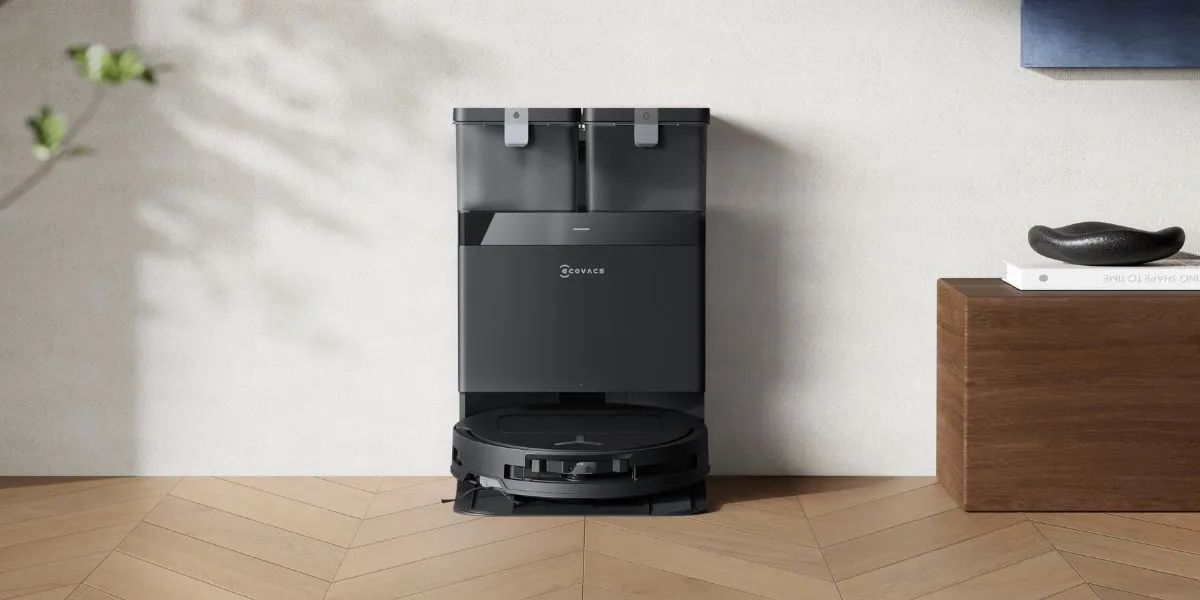
- Dock Station: Empty debris manually to prevent the vacuum from spitting out dust, and wipe the body to avoid the robot vacuum failing to find its base.
Tip 2: Replace Parts When Needed
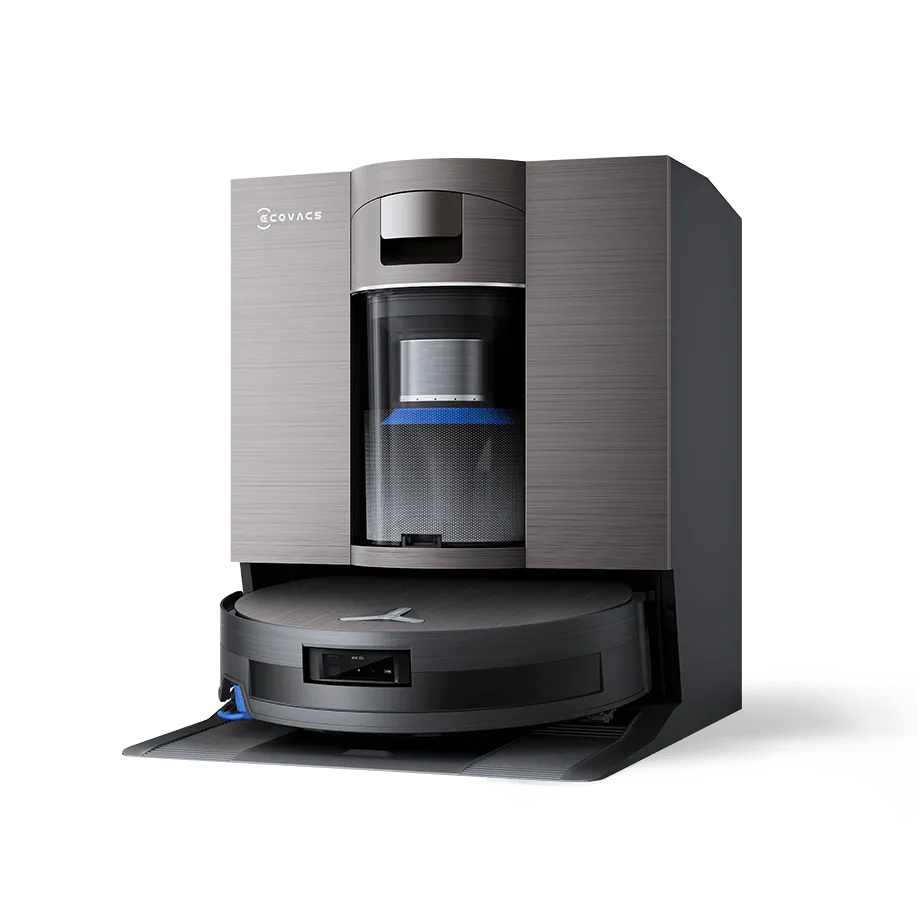
High-wear components should be replaced periodically for optimal performance. Using the DEEBOT X11 OmniCyclone as an example, it is recommended to replace the roller mop every 1 to 2 months and the side brush every 3 to 6 months.
Stay flexible with the schedule. For instance, users who choose a robot vacuum for allergies can adjust the vacuum filter replacement frequency to once a month.
Tip 3: Optimal Charging Practices
Proper battery care helps prolong the battery life. Charge the battery in your robot vacuum effectively by fully charging it before first use and keeping the charging contacts clean with a dry cloth for proper connection.
When storing a robot vacuum, fully charge it and recharge it every 1.5 months to prevent over-discharging.
Tip 4: Proper Storage With Adequate Ventilation
If you wonder where to store your vacuum cleaner, keep in mind to pick a cool, dry place away from direct sunlight and free from obstructions to allow adequate ventilation. In the US, it is common to hide the robot vacuum near the pantry or kitchen, where it can easily access high-traffic areas in the home.
Tip 5: Protect from Liquid Damage
Vacuuming water in general poses a risk to electronic components. Therefore, protect your device by keeping it away from water sources and spills.
Before starting a cleaning session, clear the area of any liquid hazards, such as water glasses. In case of a moisture accident, immediately turn the robot vacuum off, dry it thoroughly, and inspect it for any damage before resuming operation.
Tip 6: Create a Safe Cleaning Environment
Establish a safe cleaning environment for your vacuum and take a few minutes to remove potential obstacles, as not all robot vacuums can avoid cords, small toys, or sharp objects.
For risky areas such as stairs or workshops with power tools and heavy boxes, use the no-go zone function of your robot vacuum to prevent the machine from entering these areas.
Tip 7: Use Accessories from a Reliable Source
Shop robot vacuum accessories, such as filters and brushes, from the manufacturer or authorized dealers. While aftermarket accessories may be cheaper, they do not guarantee compatibility or quality.
Using genuine parts that are specifically engineered for the model is the best way to avoid damage caused by inferior components.
Tip 8: Update the Firmware Regularly
Manufacturers frequently release firmware updates to address operational issues and improve navigation algorithms. Keeping your device updated enhances overall efficiency. Common problems, such as a robot vacuum going in circles, are often resolved through these updates.
To stay on top of these improvements, enable automatic updates in the app.
Tip 9: Utilize Customer Support & Warranty Services
Most models on the market require you to register the device for warranty protection. Check the user manual for troubleshooting guidance, and if you have difficulty repairing the robot vacuum on your own, contact customer support for advice. Getting it repaired by a third party may risk voiding the warranty.
6 Signs Your Robot Vacuum is Nearing the End of Its Life
Further to the average lifespan of the machine, keep an eye on signs that your robot vacuum is aging. Common ones include shorter battery runtime, repeated docking failures, unusual new noises, and frequent error codes. Cleaning performance may also weaken even after replacing filters and brushes, along with missed areas or repeated collisions.
- Battery runtime drop: Cleans fewer rooms before needing recharge
- Docking failures: Struggles to return to the charging base
- New loud noises: Indicates worn motors or damaged brushes
- Frequent error codes: Sensor or hardware instability
- Weak pickup: Reduced suction despite regular maintenance
- Navigation issues: Inaccurate mapping or repeated route errors
Disclaimer(s):
- United States Robotic Vacuum Cleaner Market Report 2025-2033: https://www.globenewswire.com/news-release/2025/12/03/3199155/28124/en/United-States-Robotic-Vacuum-Cleaner-Market-Report-2025-2033-Analysis-by-Type-Type-of-Charging-Distribution-Channel-Application-Key-States-and-Competitive-Landscape.html
Related Products